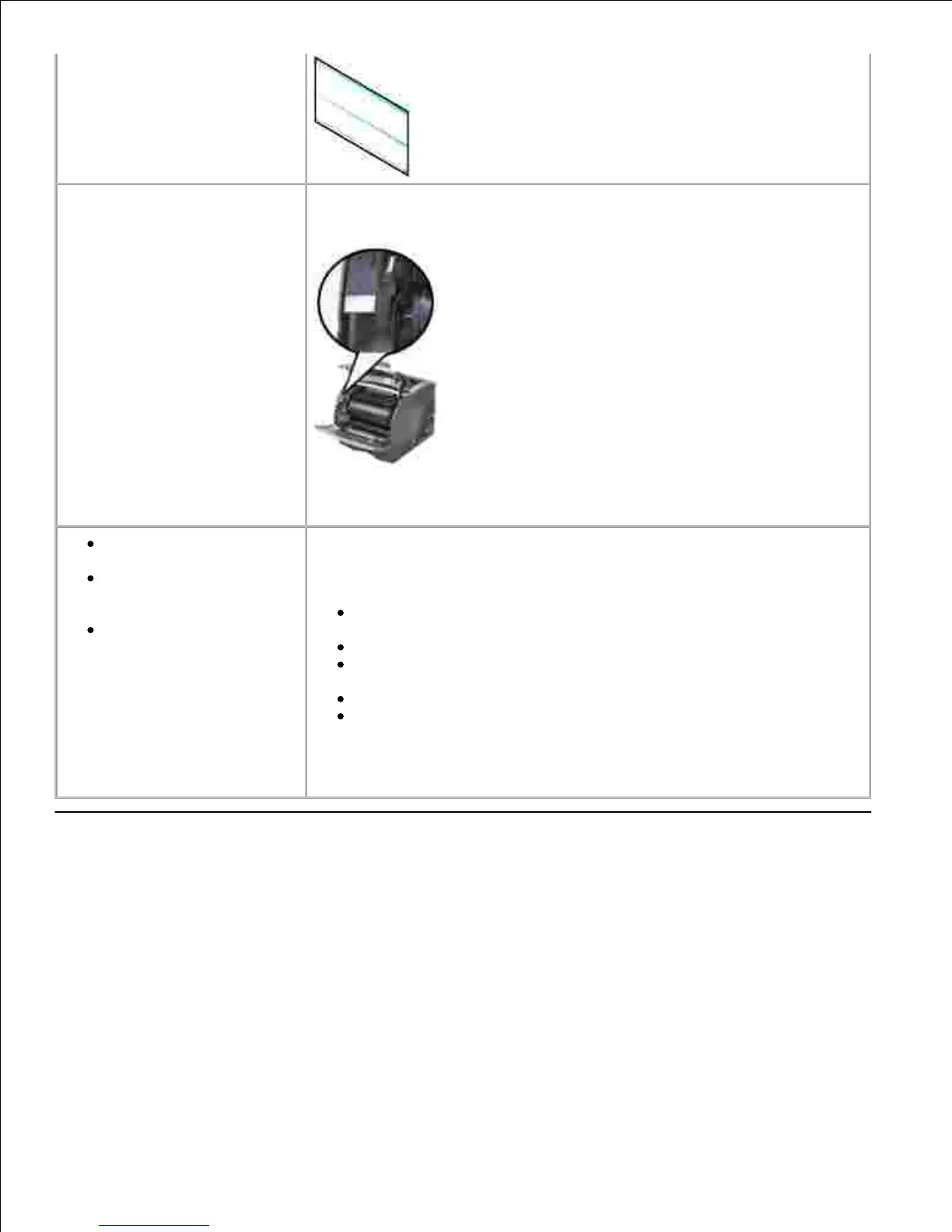
Express Service Code and Service Tag number.
The Express Service Code and Service Tag numbers are located inside
the front door of your printer.
Dell Support Website
The Dell Support Website provides several online tools, including:
Solutions - Troubleshooting hints and tips, articles from
technicians, and online courses
Upgrades - Upgrade information for components, such as memory
Customer Care - Contact information, order status, warranty, and
repair information
Downloads - Drivers
Reference - Printer documentation and product specifications
You can access Dell Support at support.dell.com. Select your region on
the WELCOME TO DELL SUPPORT page, and fill in the requested details to
access help tools and information.
Software overview
Use the Drivers and Utilities CD that came with your printer to install a combination of software applications,
depending on your operating system.













 To Next Page