EasyManua.ls Logo

Dell M5200 Medium Workgroup Mono Laser Printer - Loading Envelopes

Dell M5200 Medium Workgroup Mono Laser Printer
228 pages
Print Icon
To Next Page IconTo Next Page
To Previous Page IconTo Previous Page
Loading...
Continue with step 2.
Loading envelopes
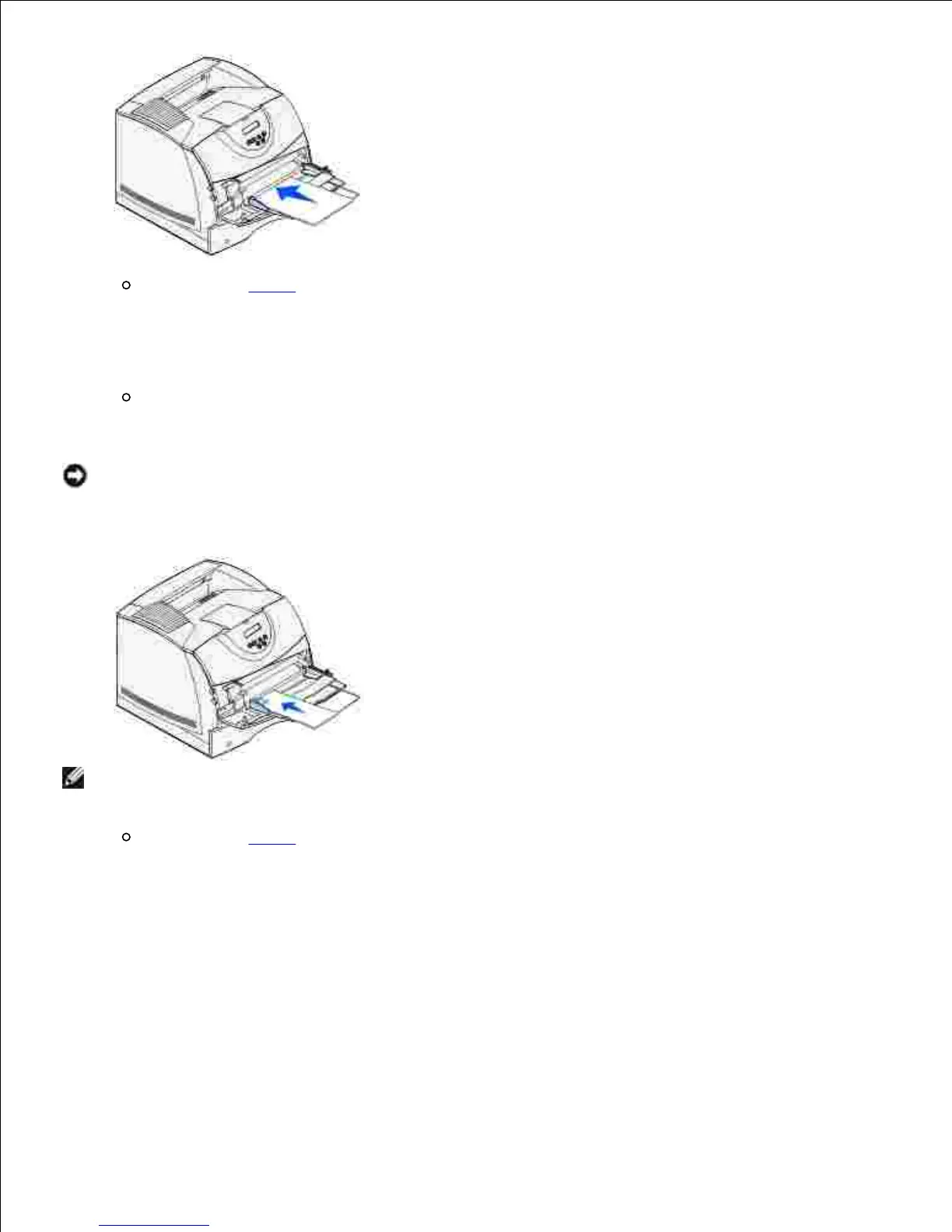
Load envelopes flap side down with the stamp area and flap on the left. The end of the envelope
with the stamp area enters the multipurpose feeder first.
NOTICE: Never use envelopes with stamps, clasps, snaps, windows, coated linings, or self-stick
adhesives. These envelopes may severely damage the printer. The stamp is shown in the illustration
only for placement.
NOTE: If envelopes jam while printing, try reducing the number of envelopes in the multipurpose
feeder.
Continue with step 2.
Loading letterhead
Load letterhead paper in the multipurpose feeder as shown.1.

Table of Contents

Related product manuals