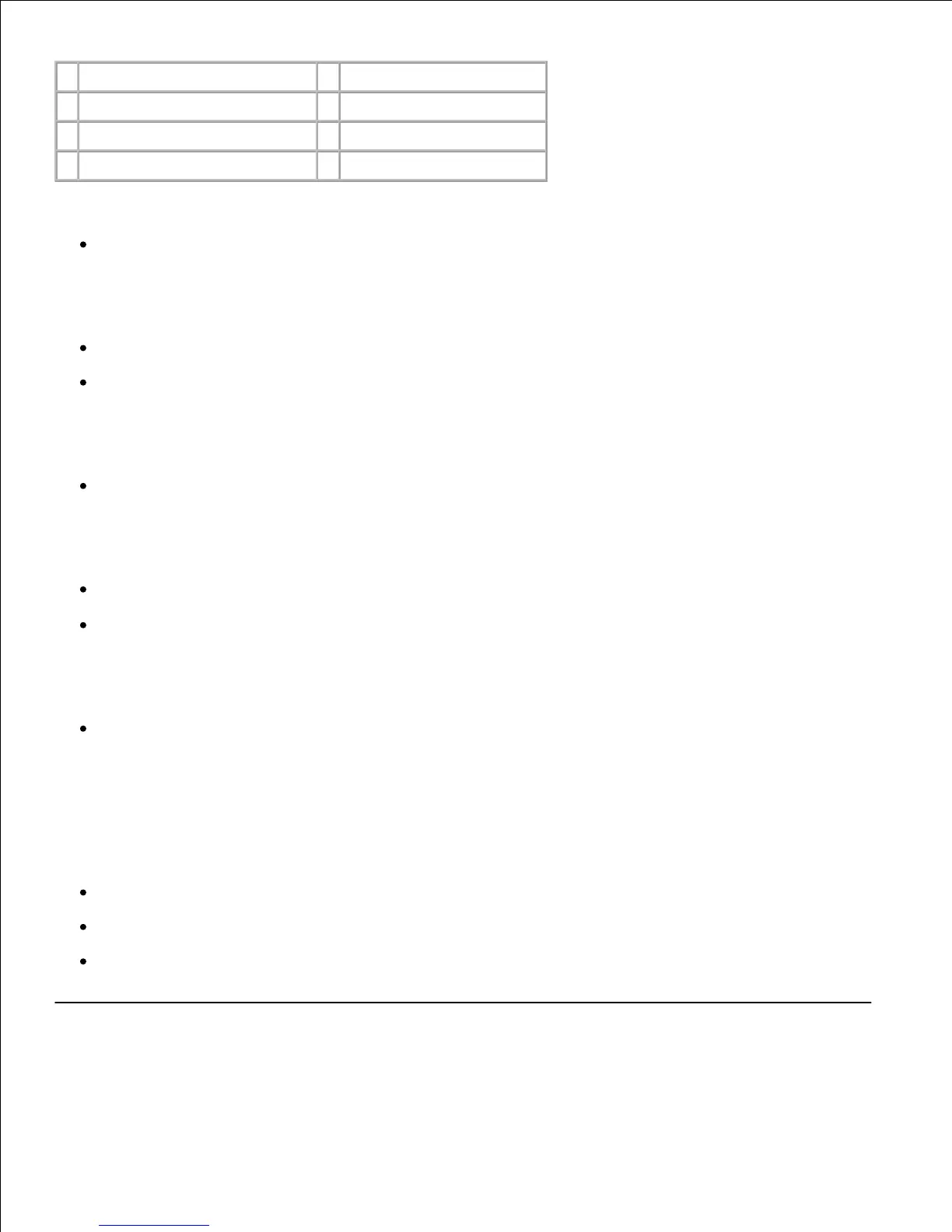
Press Menu to:
Enter and scroll through the menus
Press Select to:
Select the item on the second line of the display
Save the selection as the new default setting
Press Return to:
Return to the previous menu
Press Go to:
Exit the menus and return to Ready
Clear messages
Press Stop to:
Take the printer offline
Indicator light
The indicator light gives information about the status of your printer. If the light is:
Off, the printer is off
On, the printer is on, but idle
Blinking, the printer is on and is busy
Printing a menu settings page



 To Next Page