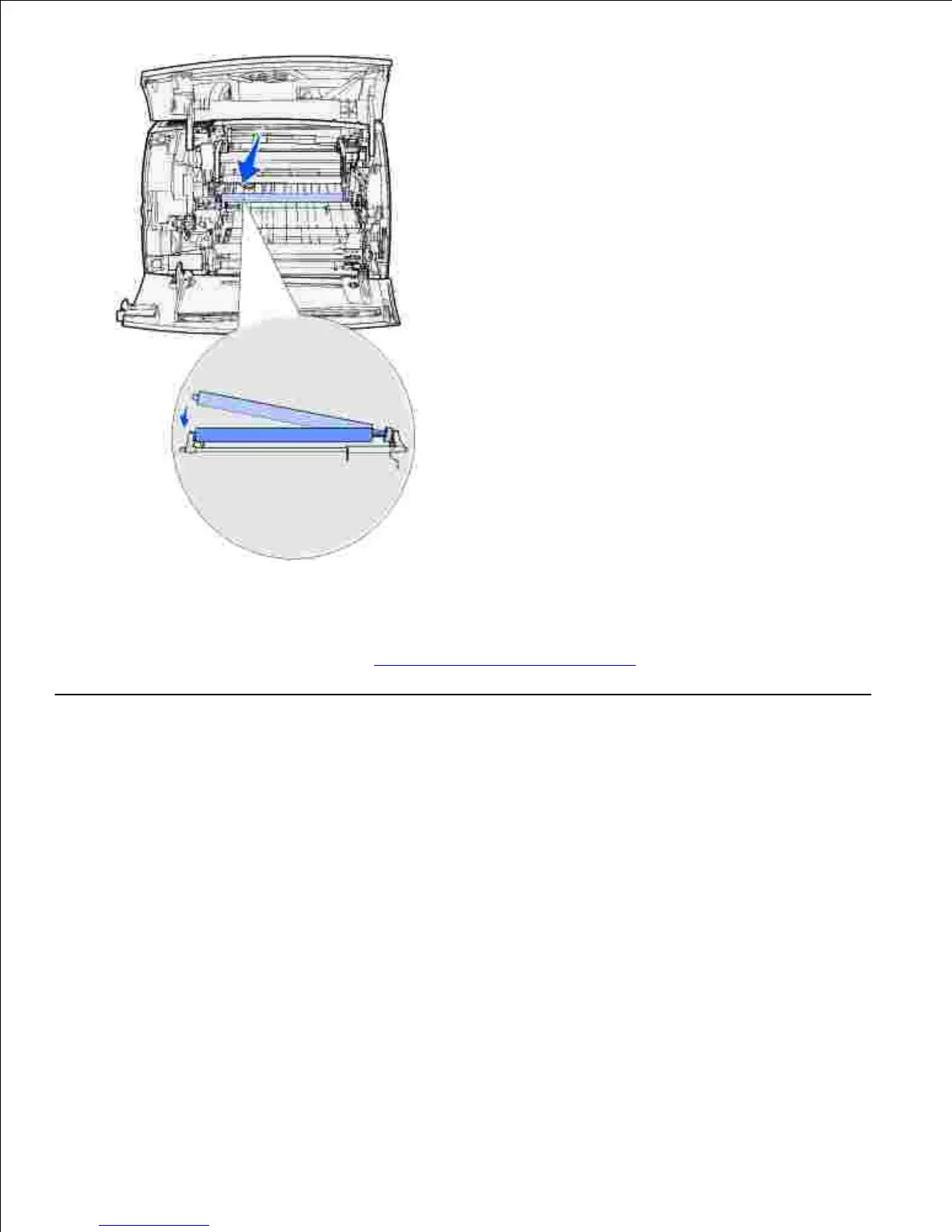
Reinstall the toner cartridge and close the front doors.10.
Plug the printer power cord into a properly grounded electrical outlet.11.
Reset the maintenance counter. See Resetting the maintenance counter.12.
Replacing the pick rollers
Remove the standard tray.1.
Look underneath the printer for the pick roller arm and pull it down.2.













 To Next Page