EasyManua.ls Logo

Dell M5200 Medium Workgroup Mono Laser Printer - Loading the Multipurpose Feeder

Dell M5200 Medium Workgroup Mono Laser Printer
228 pages
Print Icon
To Next Page IconTo Next Page
To Previous Page IconTo Previous Page
Loading...
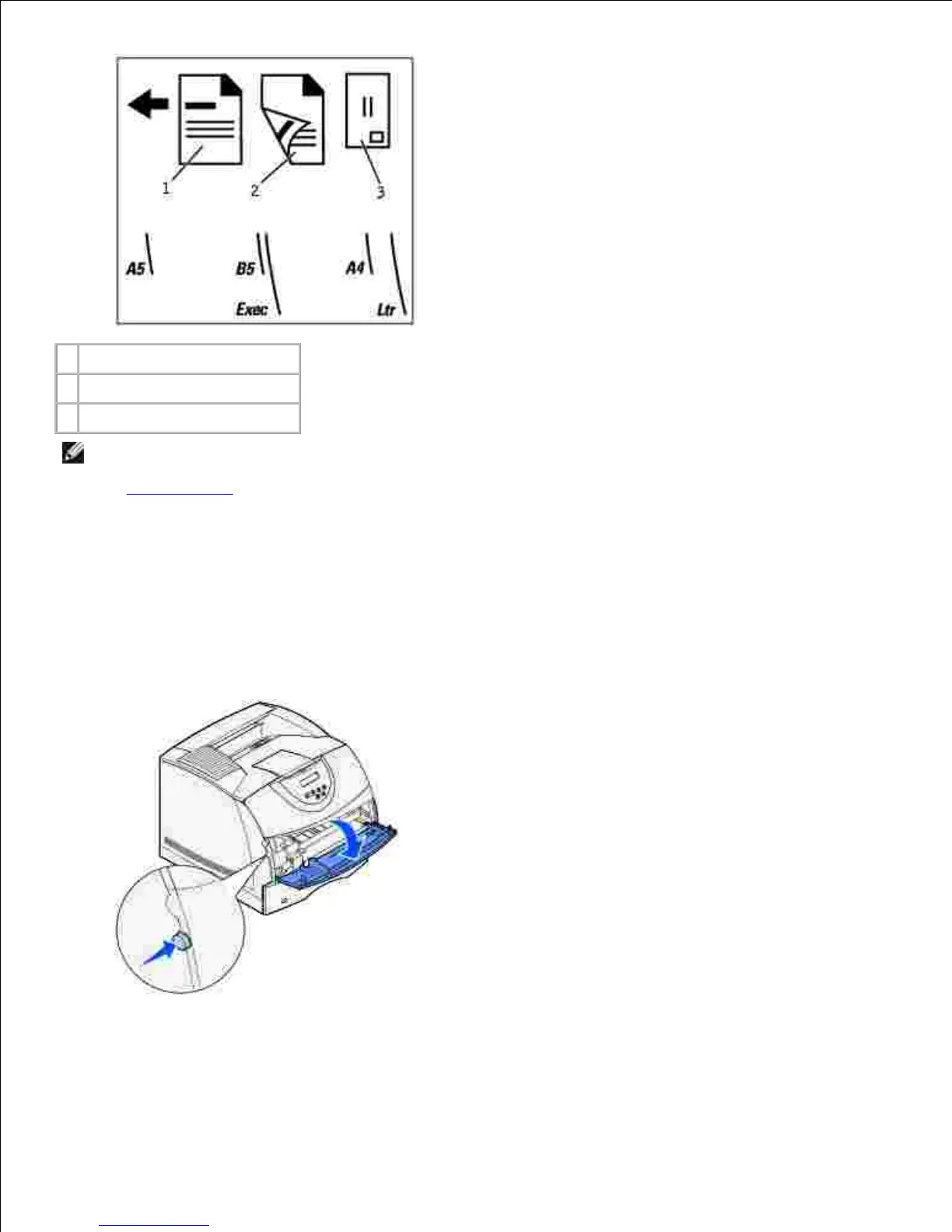
1
Simplex letterhead
2
Duplex letterhead
3
Envelope
NOTE: The Paper Loading menu item in the Paper Menu lets you print simplex jobs on letterhead (or
other preprinted media) that has been loaded specifically for duplex printing. For more information,
see Paper Loading.
Loading the multipurpose feeder
To load the multipurpose feeder:
Press the lower release latch. The multipurpose feeder door drops open.1.
Locate the metal bar in the recessed area on the multipurpose feeder. Pull the bar out far enough to
accommodate the print media you will be using.
2.

Table of Contents

Related product manuals