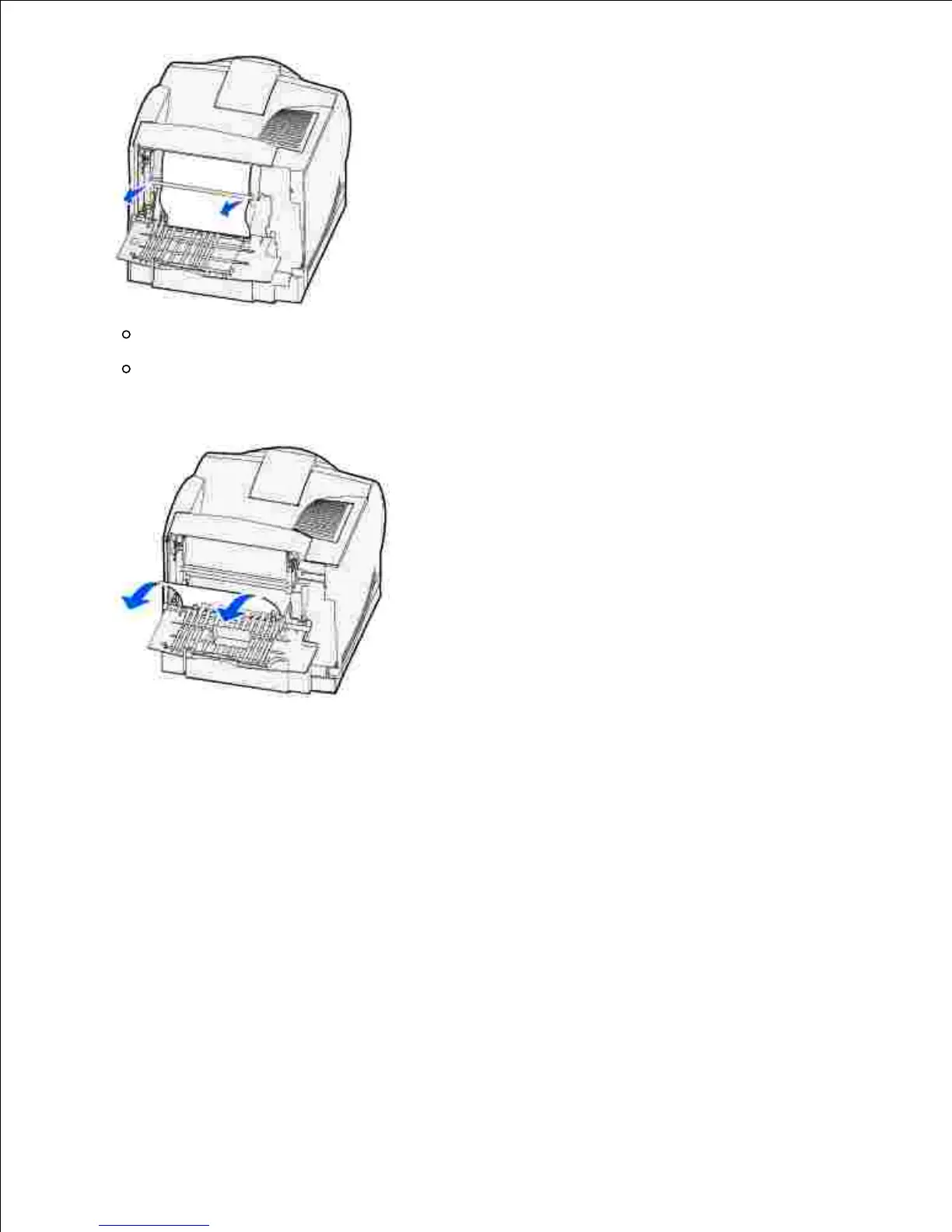
If print media is still in the fuser area, open the upper front door and remove the print media.
If the end of the print media is visible, pull the print media straight out.
If the print media does not move immediately when you pull, stop pulling. Remove the toner cartridge,
and then pull the print media out.
Close the printer rear door.3.
While exiting to the standard output bin
Pull the print media straight out.













 To Next Page