1.
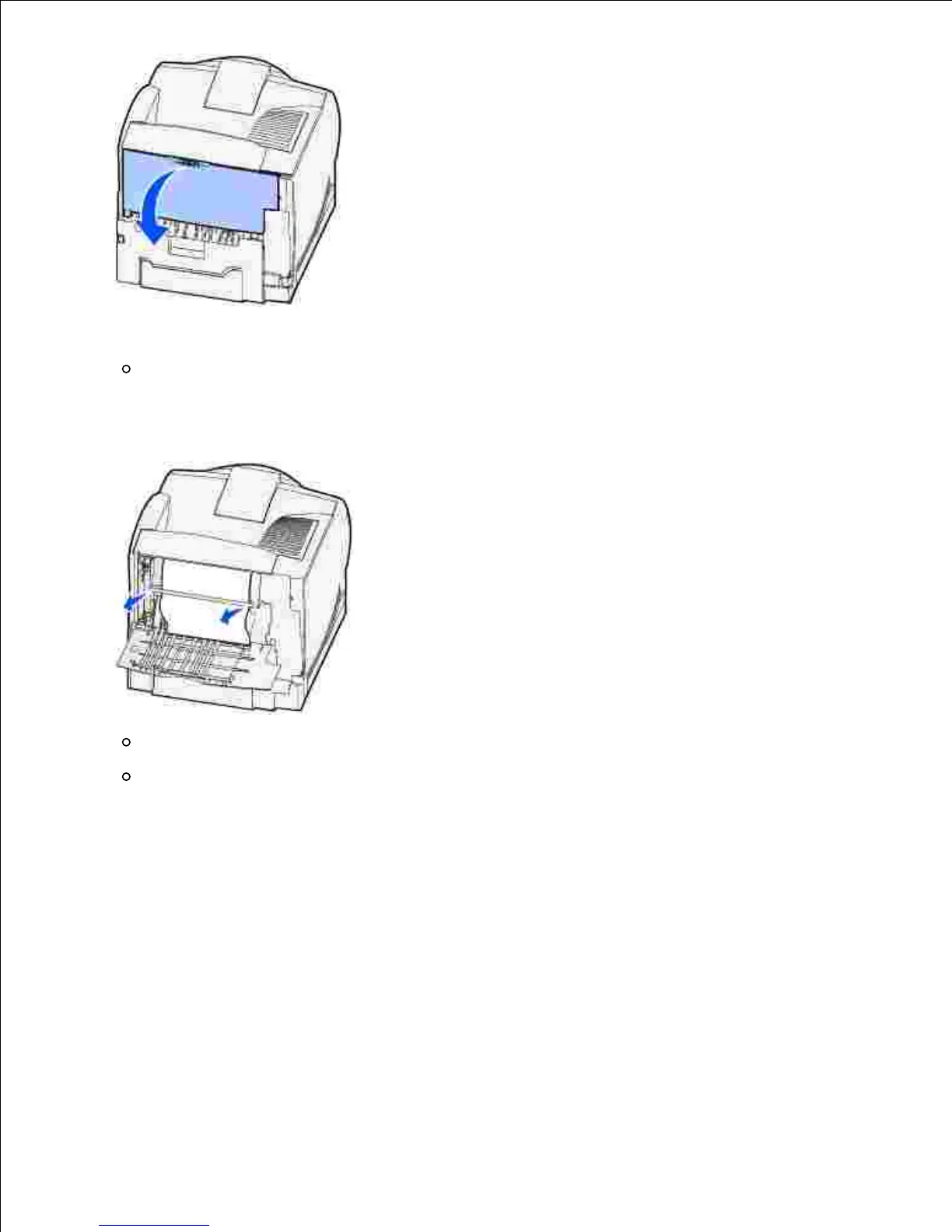
Remove any print media based on what part is visible.
If the middle section of print media is visible, grasp it on both sides and gently pull it straight
out.
2.
If print media is still in the fuser area, open the upper front door and remove the print media.
If the end of the print media is visible, pull the print media straight out.













 To Next Page