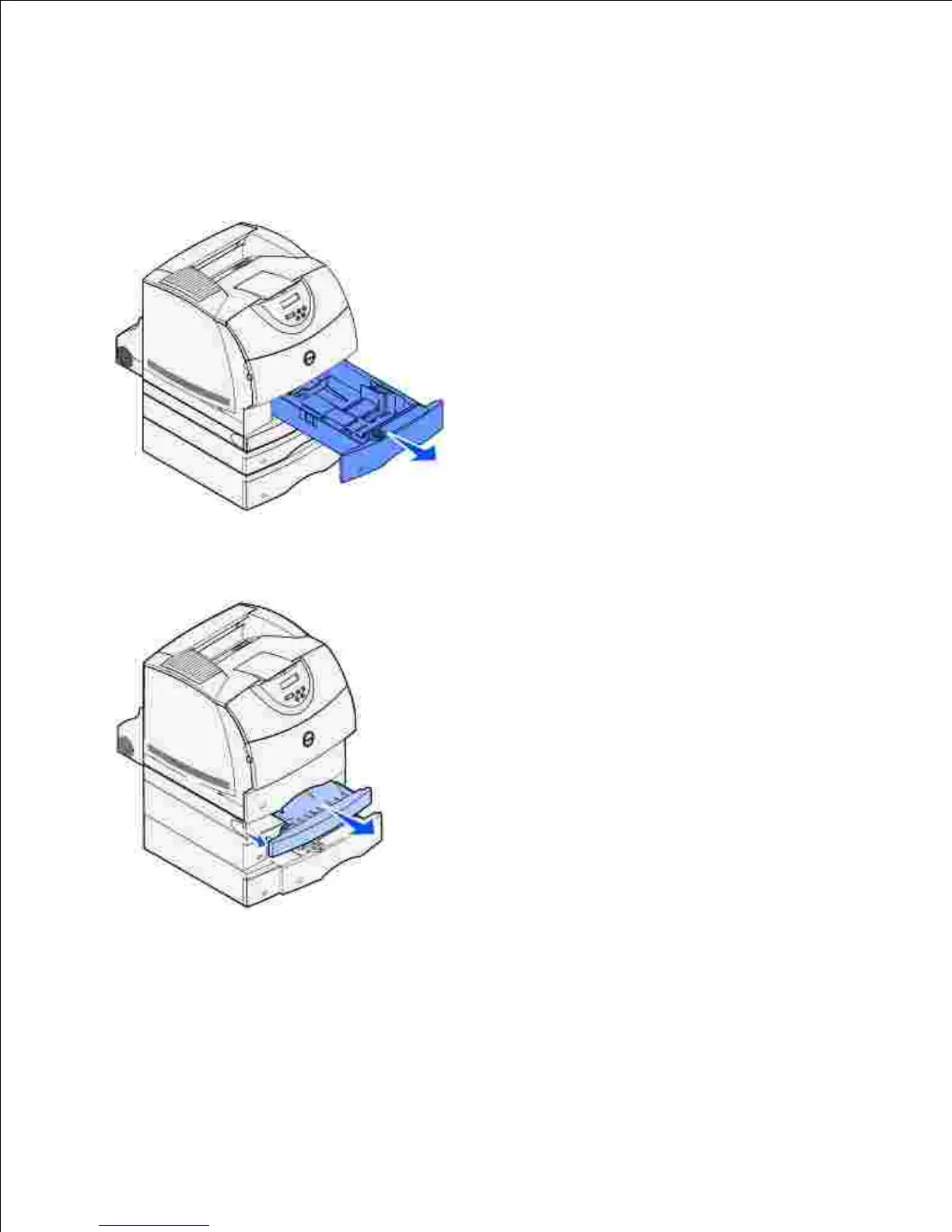
Across an optional tray, the duplex unit, and the standard
tray
Pull the tray out of the support unit. If only a short section of the print media is visible, do not pull
down to remove the print media.
1.
Slowly pull the duplex front access cover straight out from the duplex unit.2.
Pull the standard tray out of the printer.3.
If you see the edge of the print media in the standard tray:
Pull the print media down and out.a.













 To Next Page