Make sure the packaging material is removed from the toner cartridge.
Check the toner cartridge to be sure it is installed correctly.
The toner may be low. To utilize the remaining toner, remove the
cartridge by gripping the handles with both hands. With the cartridge
arrows pointing downward, gently shake the toner cartridge back and
forth. Reinstall the cartridge and then press Go.
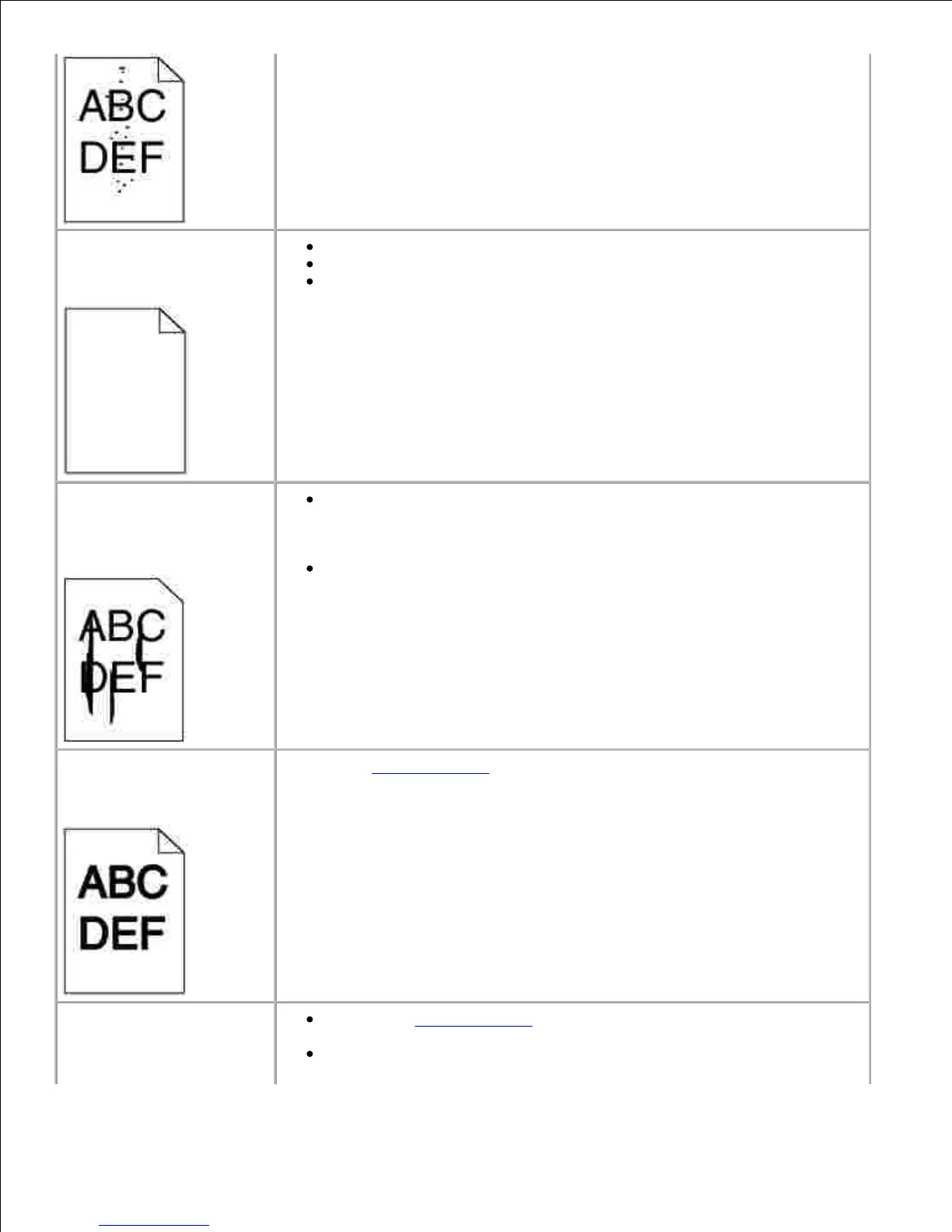
Streaks appear on the
page.
The toner may be low. To utilize the remaining toner, remove the
cartridge by gripping the handles with both hands. With the cartridge
arrows pointing downward, gently shake the toner cartridge back and
forth. Reinstall the cartridge and then press Go.
If you are using preprinted forms, make sure the ink can withstand
temperatures of 212°C (414°F).
Change the Toner Darkness setting in the Quality Menu.
Characters have jagged or
uneven edges
Change the Print Resolution setting in the Quality Menu to 600 dpi or
1200 dpi.
If you are using downloaded fonts, verify that the fonts are supported
by the printer, the host computer, and the software application.













 To Next Page