2 During power-on self-test (POST) when the DELL logo appears, watch for the
F2 prompt to appear, and then press F2 immediately.
NOTE: The F2 prompt indicates that the keyboard is initialized. This
prompt can appear very quickly, so you must watch for it, and then
press F2. If you press F2 before the F2 prompt appears, this keystroke
is lost. If you wait too long and the operating system logo appears,
continue to wait until you see the desktop Then, turn o your
computer, and try again.
A list of hard drives appears under System Information in the General group.
Identifier GUID-36A9A6FF-E839-4AD8-9D86-6AB0DC38D3E2
Status Released
Identifying the hard drive
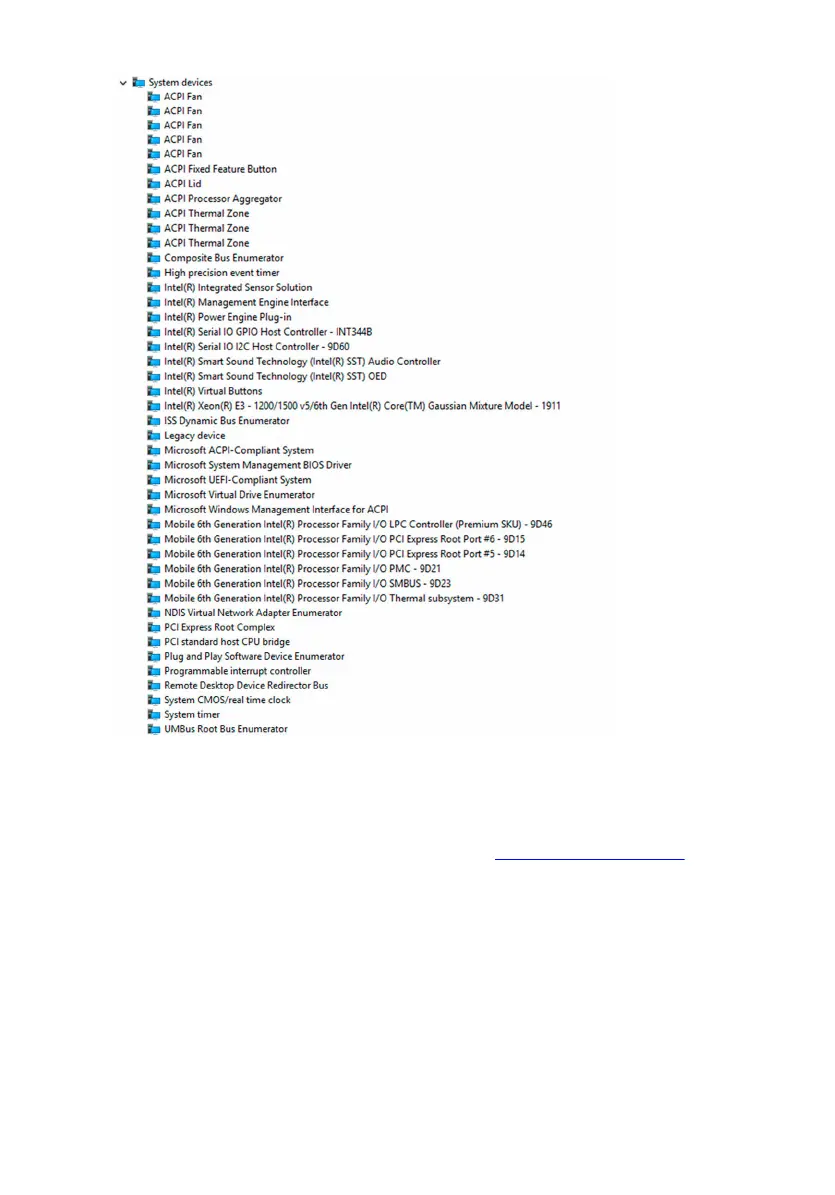
1 On the taskbar, click the search box, and then type Device Manager.
2 Click Device Manager.
The Device Manager window is displayed.
3 Expand Disk drives.
Identifier GUID-ABD9A167-B2DA-4E4F-BC37-E0AEFA4316FD
Status Released
Media-card reader
The Inspiron 11-3168 has one microSD-card slot located on the right side of your
computer.
116



 To Next Page