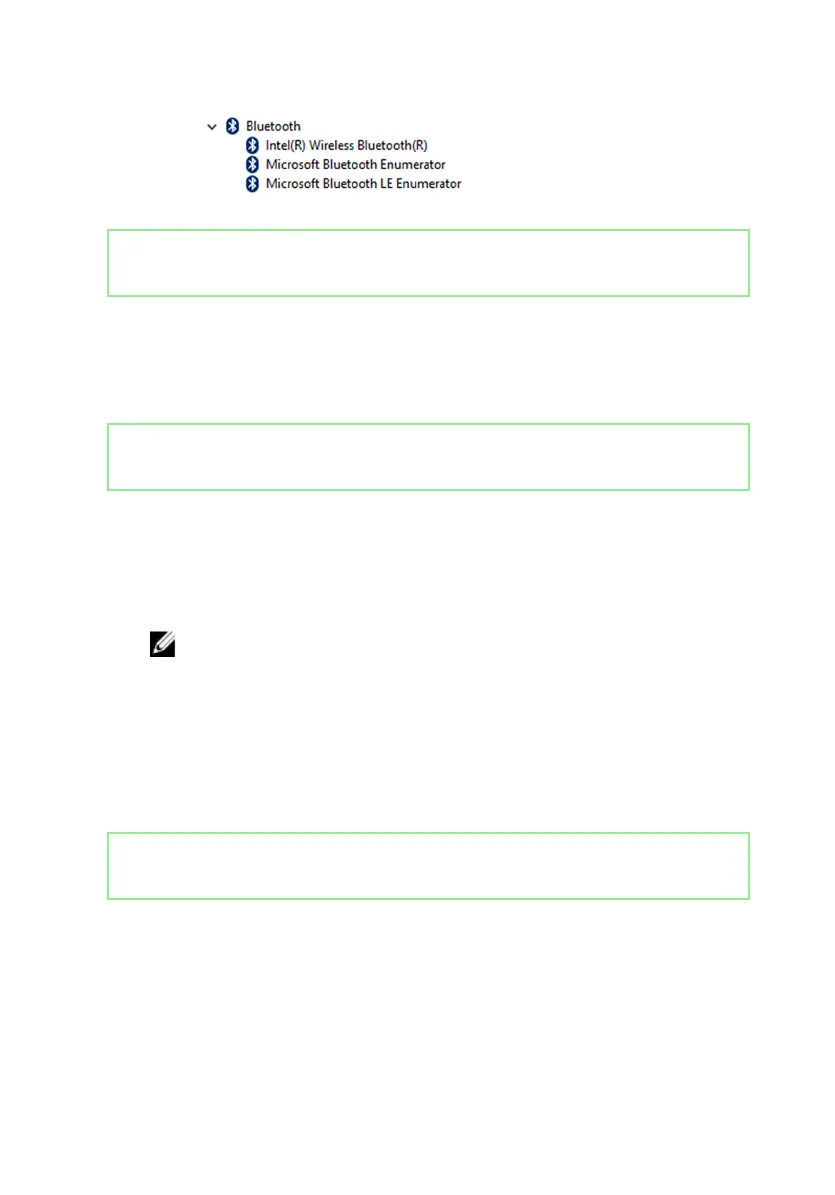
Identifier GUID-1AD785FB-5E05-439C-B13A-57A72FB71A41
Status Released
BIOS overview
The BIOS manages data ow between the computer's operating system and
attached devices such as hard disk, video adapter, keyboard, mouse, and printer.
Identifier GUID-4F2ADE64-A124-4BF5-9247-7962D9B3710D
Status Released
Entering the BIOS setup program
1 Turn on or restart your computer.
2 During power-on self-test (POST) when the DELL logo appears, watch for the
F2 prompt to appear, and then press F2 immediately.
NOTE: The F2 prompt indicates that the keyboard is initialized. This
prompt can appear very quickly, so you must watch for it, and then
press F2. If you press F2 before the F2 prompt appears, this keystroke
is lost. If you wait too long and the operating system logo appears,
continue to wait until you see the desktop Then, turn o your
computer, and try again.
You can change user-dened settings in the BIOS setup program.
Identifier GUID-AB88E398-32AA-418E-8E14-6574E1E26206
Status Released
Boot menu
The Inspiron 11-3168 includes a one-time boot menu. By using this feature, you can
change the sequence of devices from which your computer attempts to boot; for
example, USB ash drive, CD-ROM, or hard drive.
134



 To Next Page