Identifier GUID-98068FC2-1C1C-46DE-B3FA-DF9D488E9BA1
Status Released
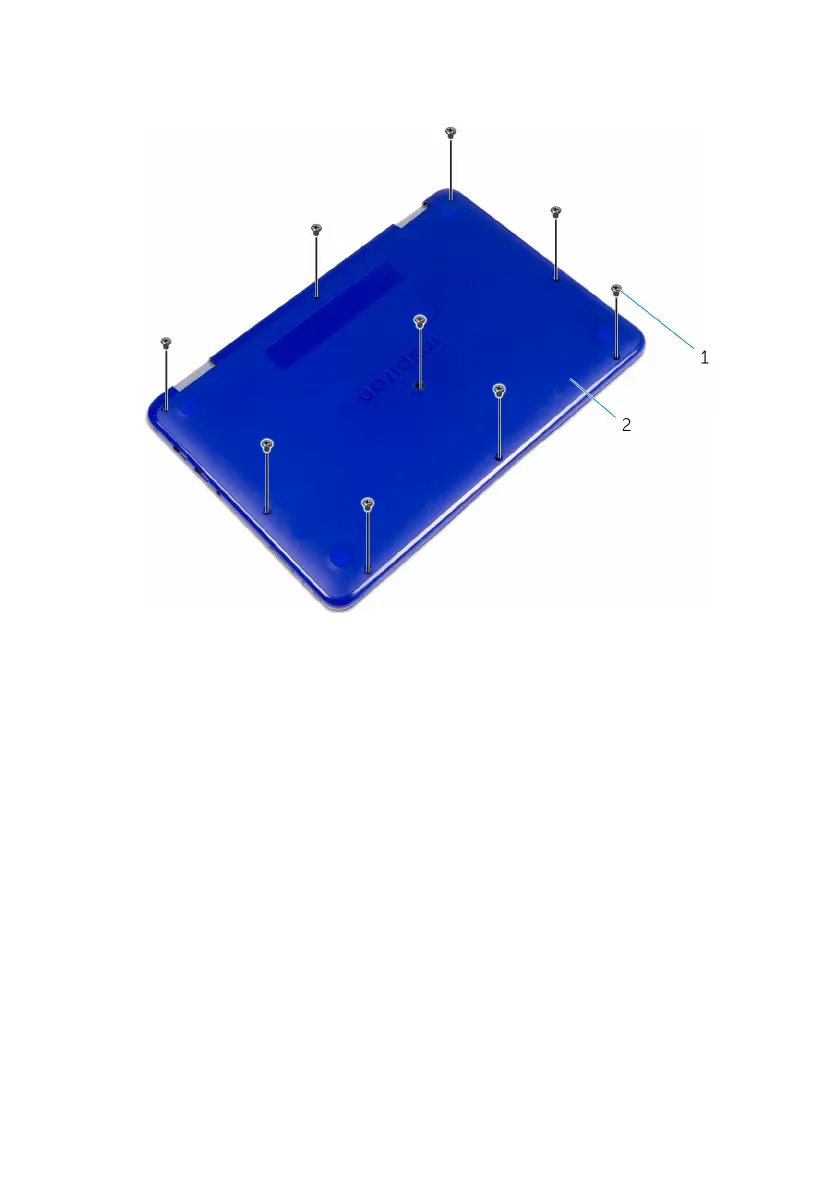
Removing the base cover
WARNING: Before working inside your computer, read the safety
information that shipped with your computer and follow the steps in Before
working inside your computer. After working inside your computer, follow
the instructions in After working inside your computer. For more safety best
practices, see the Regulatory Compliance home page at www.dell.com/
regulatory_compliance.
Identifier GUID-6280F903-21AC-4B33-9E78-DE0577054FFF
Status Released
Procedure
1 Close the display and turn the computer over.
16



 To Next Page