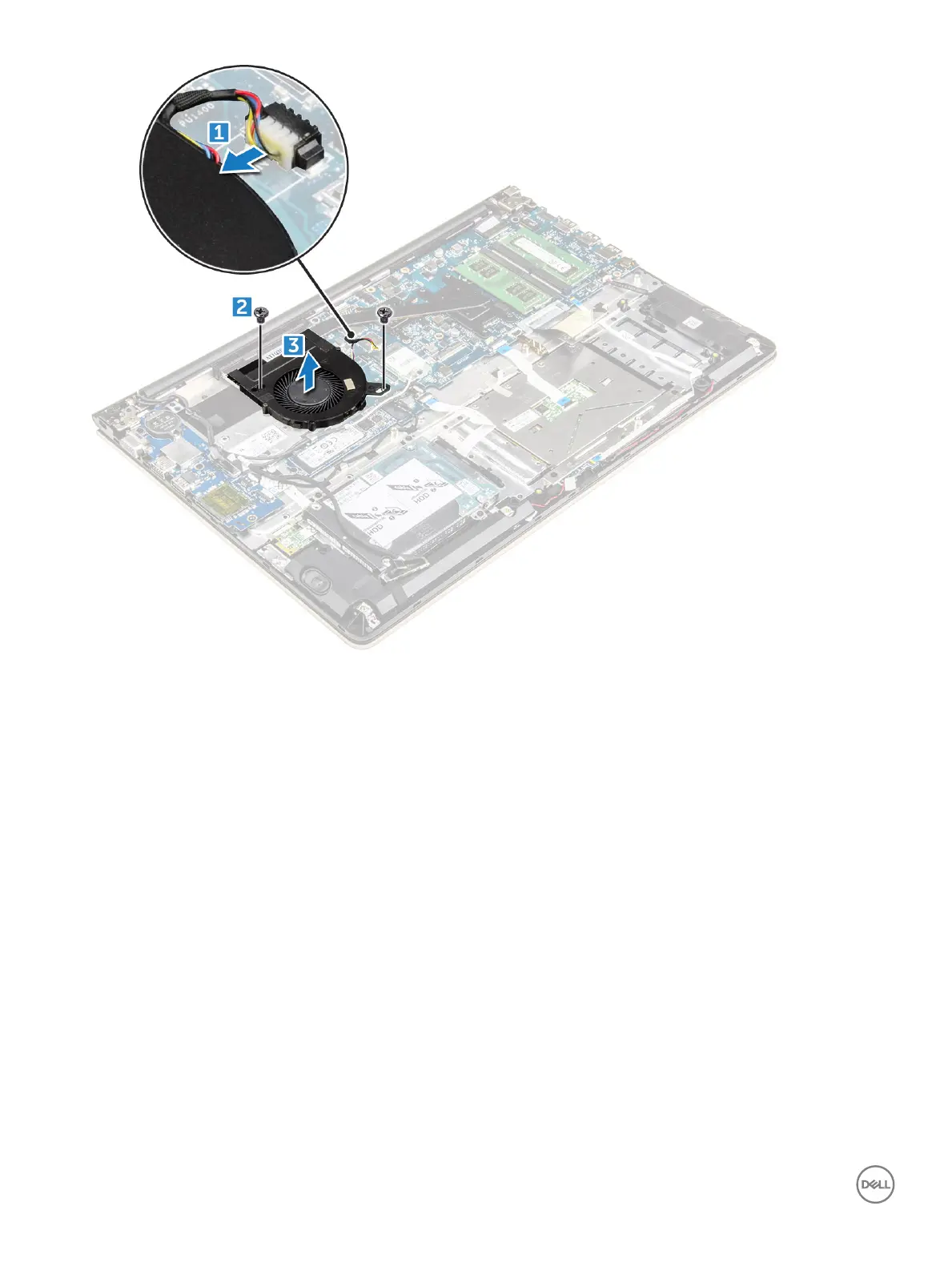
Installing the fan
1 Install the fan into the slot on the system board.
2 Tighten the screws to secure the fan module.
3 Connect the I/O board and system fan cable to the system board connectors.
4 Install the:
a WLAN card
b battery
c back cover
5 Follow the procedure in After working inside your computer
Removing the heatsink
1 Follow the procedure in Before working inside your computer.
2 Remove the:
a back cover
b battery
c system fan
3 To remove the heatsink:
a Remove the screws that secure the heatsink module to the computer chassis.
28
Removing and installing components



 To Next Page