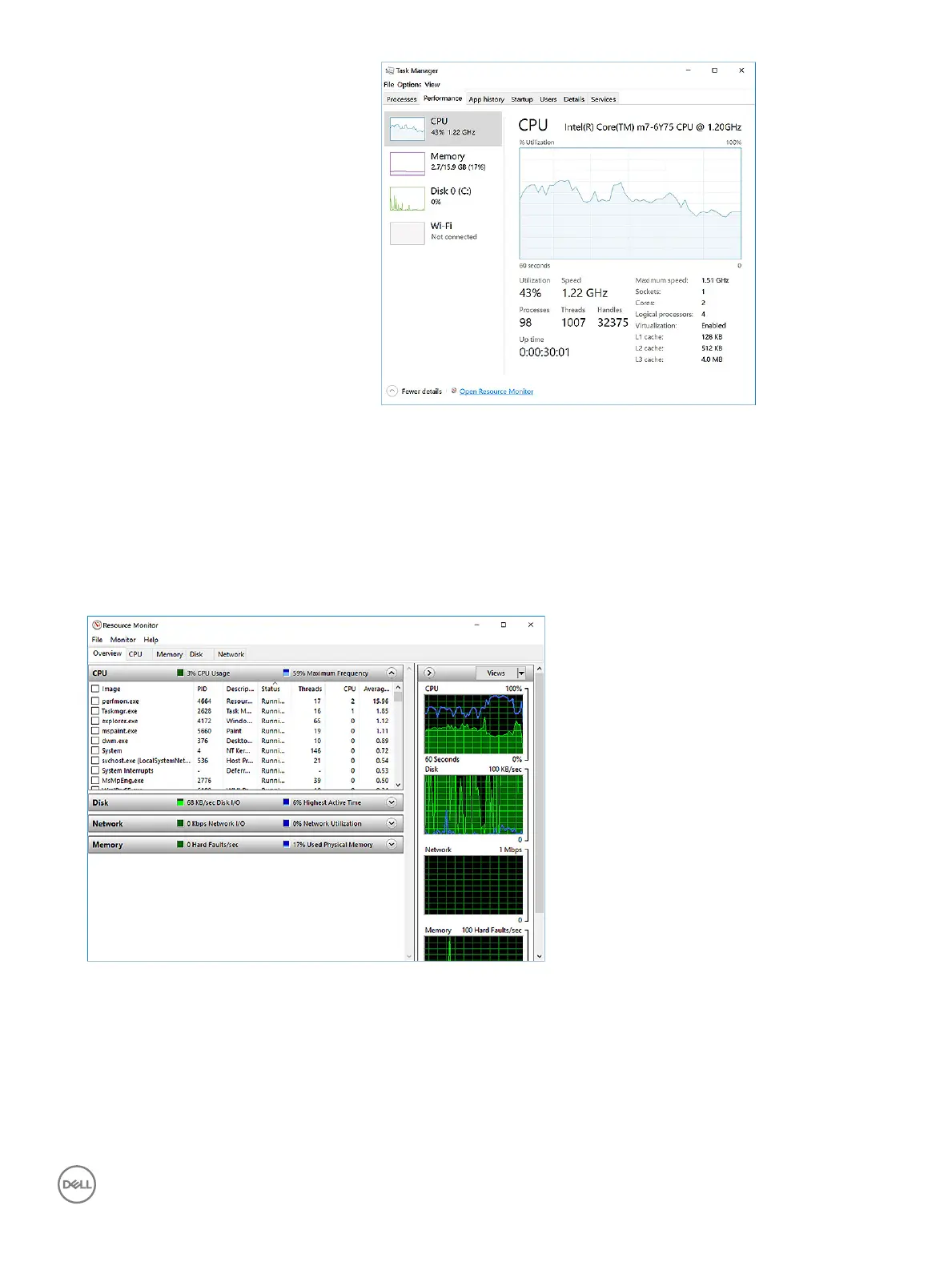
The processor performance details are displayed.
Verifying the processor usage in Resource Monitor
1 Right Click on the Taskbar.
2 Select Start Task Manager.
The Windows Task Manager window is displayed.
3 Click the Performance tab in the Windows Task Manager window.
The processor performance details are displayed.
4 Click Open Resource Monitor.
Chipsets
All laptops or notebook communicate with the CPU through the chipset. This laptop is shipped with the Intel Mobile CM238 .
Technology and components
47



 To Next Page