Technology and components
Power adapter
This laptop is oered with the 45 W power adapter. This adapter uses a USB C connector.
WARNING: When you disconnect the power adapter cable from the laptop, grasp the connector, not the cable itself, and then
pull rmly but gently to avoid damaging the cable.
WARNING: The power adapter works with electrical outlets worldwide. However, power connectors and power strips vary
among countries. Using an incompatible cable or improperly connecting the cable to the power strip or electrical outlet may
cause re or equipment damage.
Processors
This laptop is shipped with the following processors:
• 6th generation Intel core i3 sky lake processor
• 7th generation Intel core i3 kaby lake processor
• 7th generation Intel core i5 kaby lake processor
• 7th generation Intel core i7 kaby lake processor
NOTE
: The clock speed and performance varies depending on the workload and other variables.
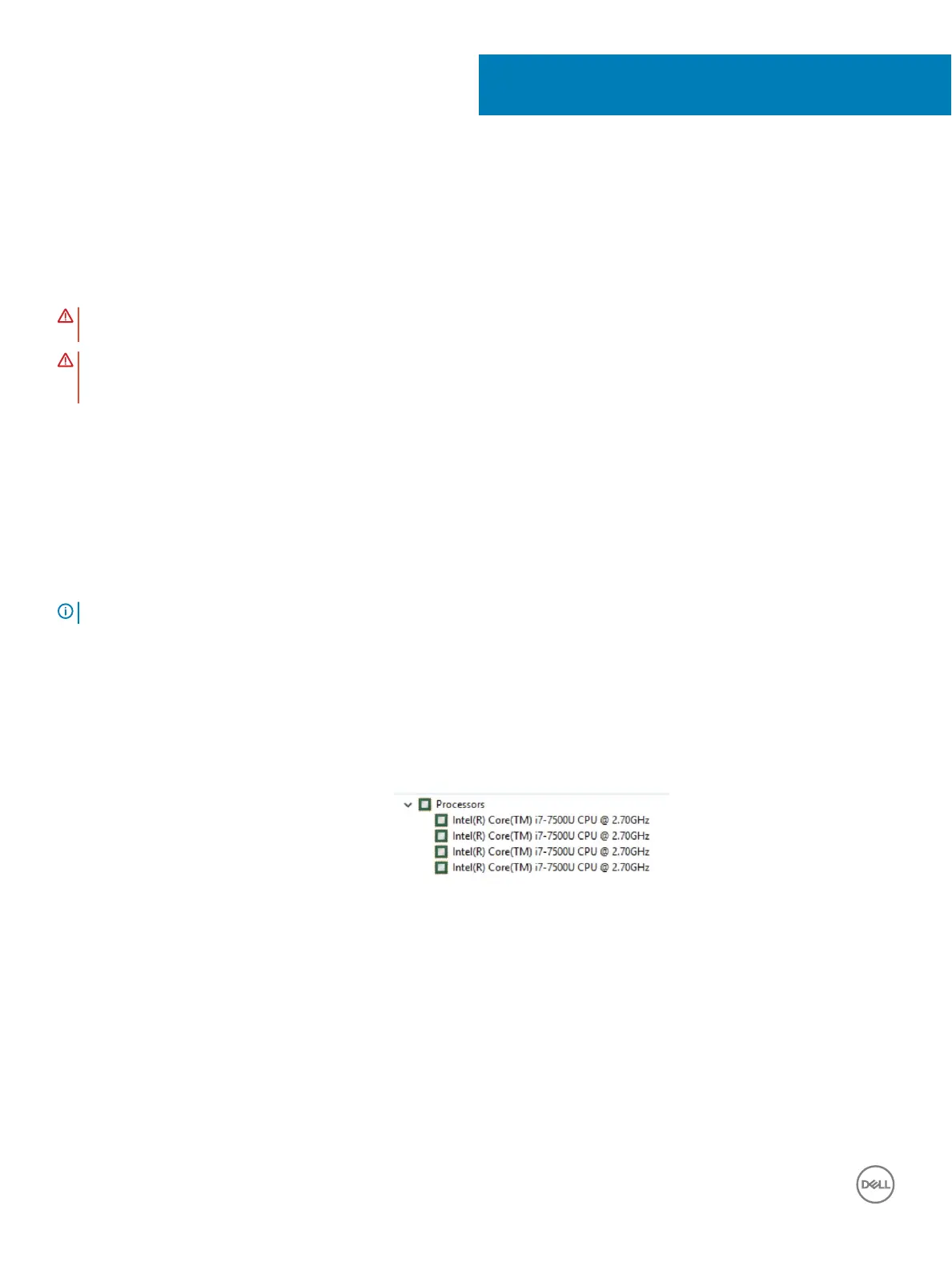
Identifying the processor in Windows 10 and Windows
8
1 Tap Search the Web and Windows.
2 Type Device Manager.
3 Tap Processor.
The basic information of the processor is displayed.
Verifying the processor usage in Task Manager
1 Press and hold the taskbar.
2 Select Start Task Manager.
The Windows Task Manager window is displayed.
3 Click the Performance tab in the Windows Task Manager window.
4
46 Technology and components



 To Next Page