Downloading the chipset driver
1 Turn on the laptop.
2 Go to Dell.com/support.
3 Click Product Support, enter the Service Tag of your laptop, and then click Submit.
NOTE: If you do not have the Service Tag, use the autodetect feature or manually browse for your laptop model.
4
Click Drivers and Downloads.
5 Select the operating system installed on your laptop.
6 Scroll down the page, expand Chipset, and select your chipset driver.
7 Click Download File to download the latest version of the chipset driver for your laptop.
8 After the download is complete, navigate to the folder where you saved the driver le.
9 Double-click the chipset driver le icon and follow the instructions on the screen.
Identifying the chipset in Device Manager on Windows
10 and Windows 8
1
Click All Settings on the Windows 10 Charms Bar.
2 From the Control Panel, select Device Manager.
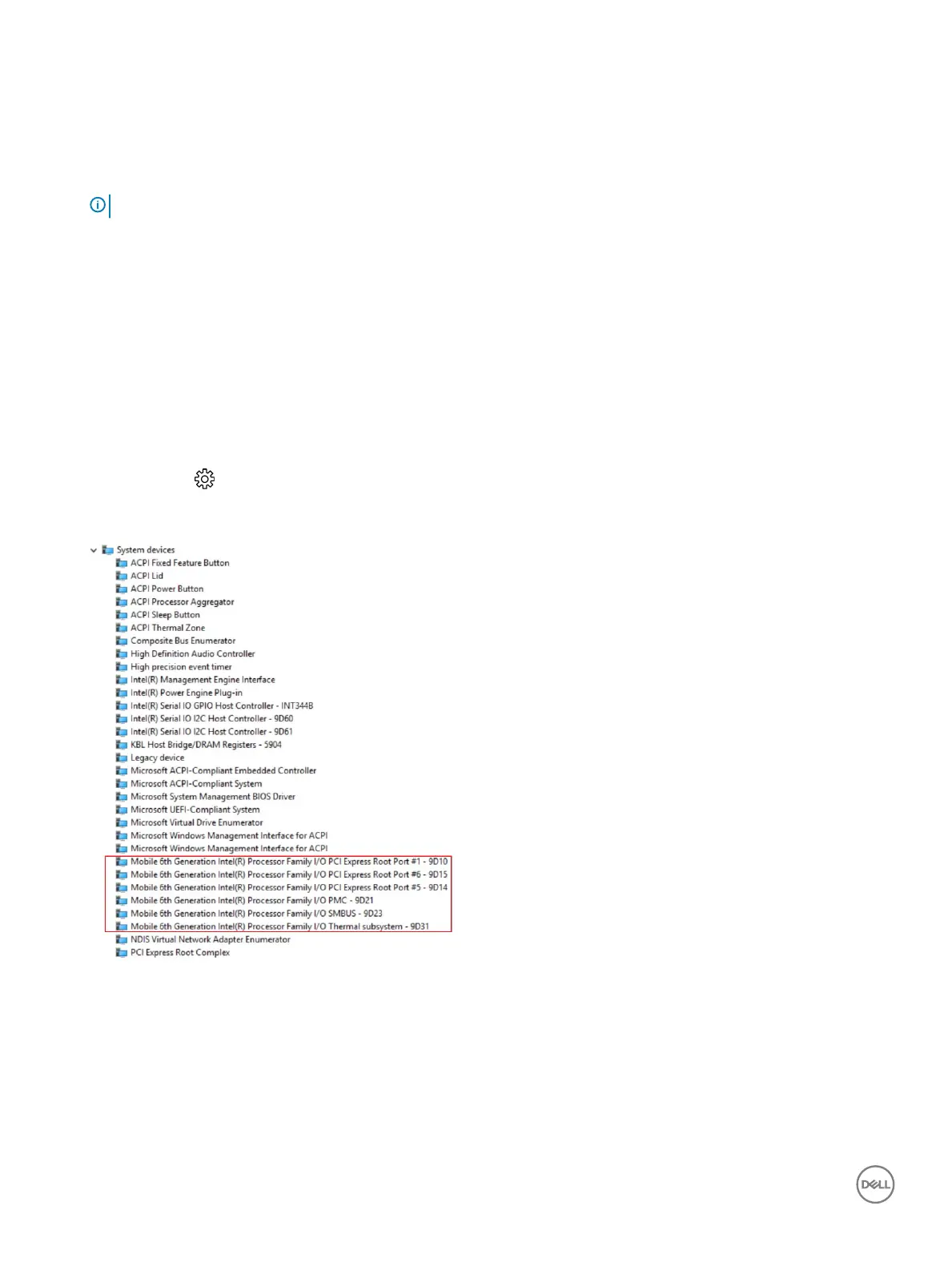
3 Expand System Devices and search for the chipset.
Graphic options
This laptop is shipped with the Intel HD Graphics 520 graphics chipset.
48
Technology and components



 To Next Page