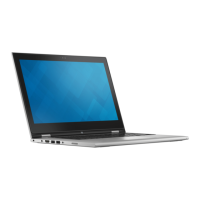
Installing the display assembly
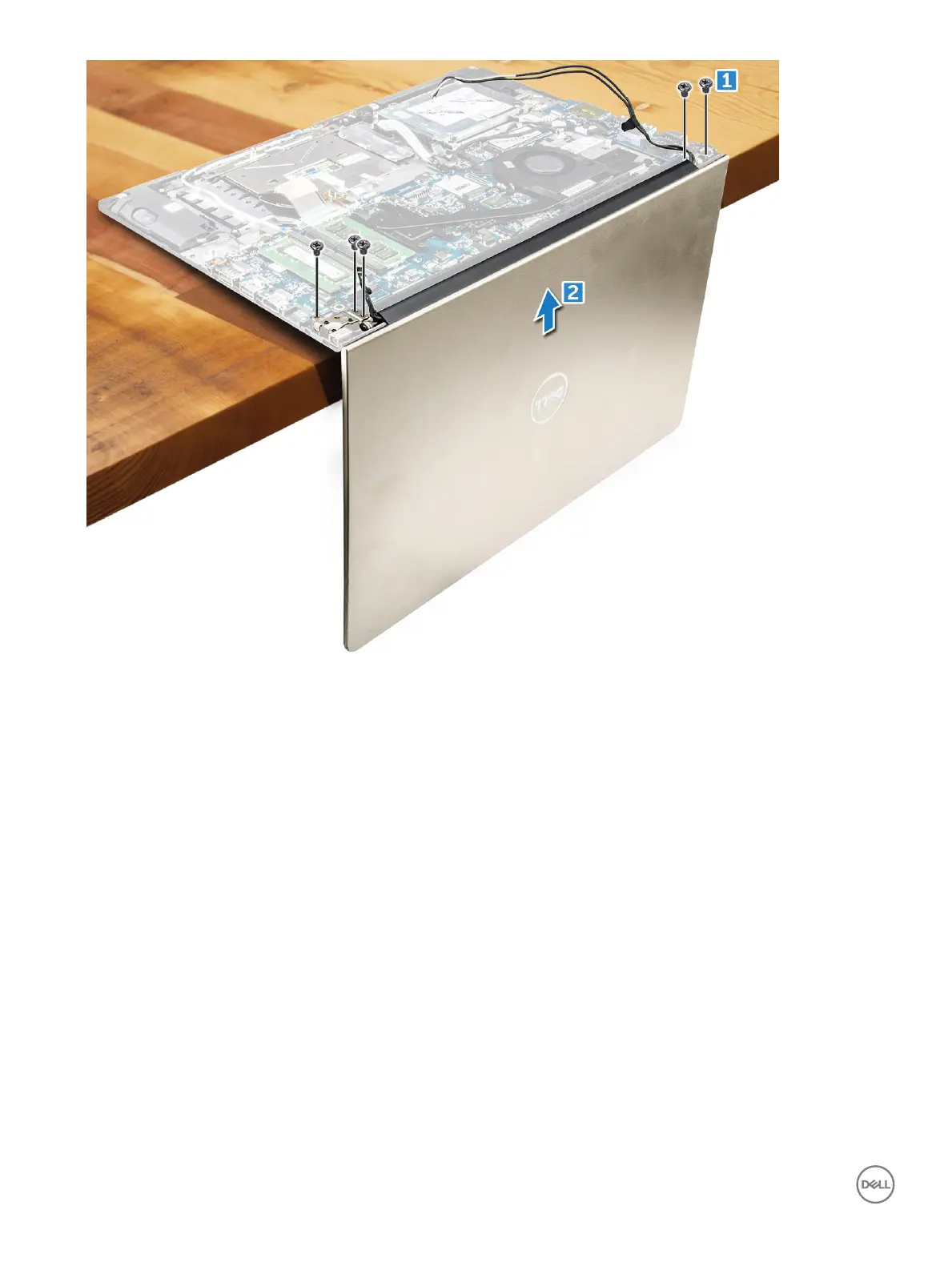
1 Align the display assembly with the display hinges of the computer chassis.
2 Tighten the screws that secure the display hinges.
3 Connect the display cables to the connector on the system board.
4 Ax the tape to attach the display cable to the computer.
5 Route the display cables along the system fan module on the chassis.
6 Install the:
a WLAN card
b battery
c back cover
7 Follow the procedure in After working inside your computer
Removing the display bezel
1 Follow the procedure in Before working inside your computer.
2 Remove the:
a back cover
b battery
c LED board
d WLAN card
e system fan
38
Removing and installing components



 To Next Page