21
Using the headset
Boomless microphone sound capture
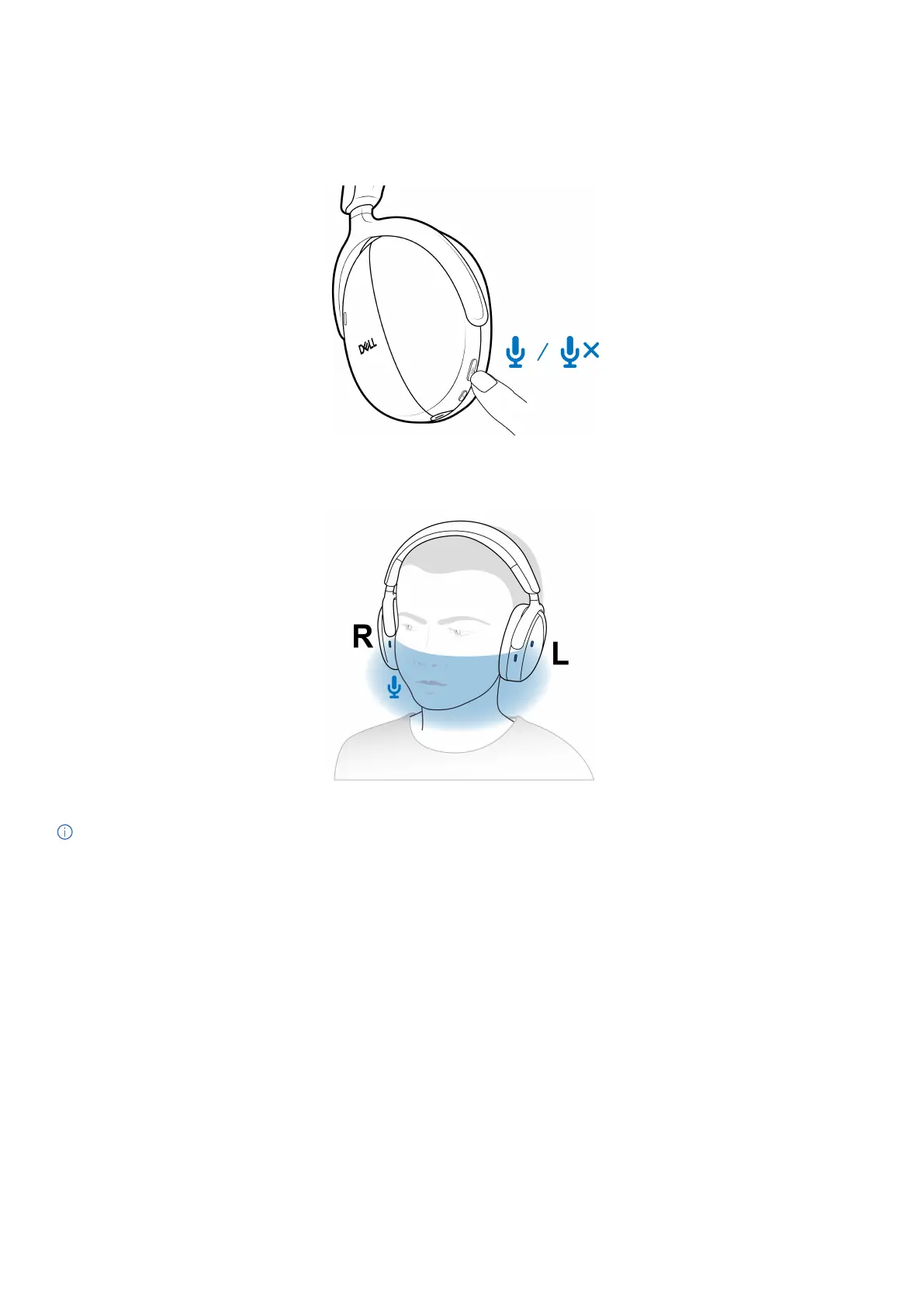
Your headset has a boomless microphone that supports ±15 degrees wearing angle. The microphone can isolate the sound from the
surrounding noises. To mute the microphone, press the mute button on the left earcup. To unmute, press the mute button again. You hear
the microphone status voice prompt every time that you press the mute button.
Figure 27. Mute/unmute button location
For optimal voice capture, ensure that the headband is at its normal position and the earcup is oriented correctly.
Figure 28. Optimal voice capture
NOTE: You experience the sidetone effect when you rub or scratch the microphone opening during a call. Select your preferred
sidetone level or disable this function in Dell Peripheral Manager.



 To Next Page