23
Using the headset
Using Teams
NOTE: Teams function is supported only if you establish the connection from your device to the headset using the wireless audio
receiver.
1. Connect the wireless audio receiver to your device and pair your device with the headset. For more information about pairing, see
Connecting the headset to your device using the wireless audio receiver on page 12.
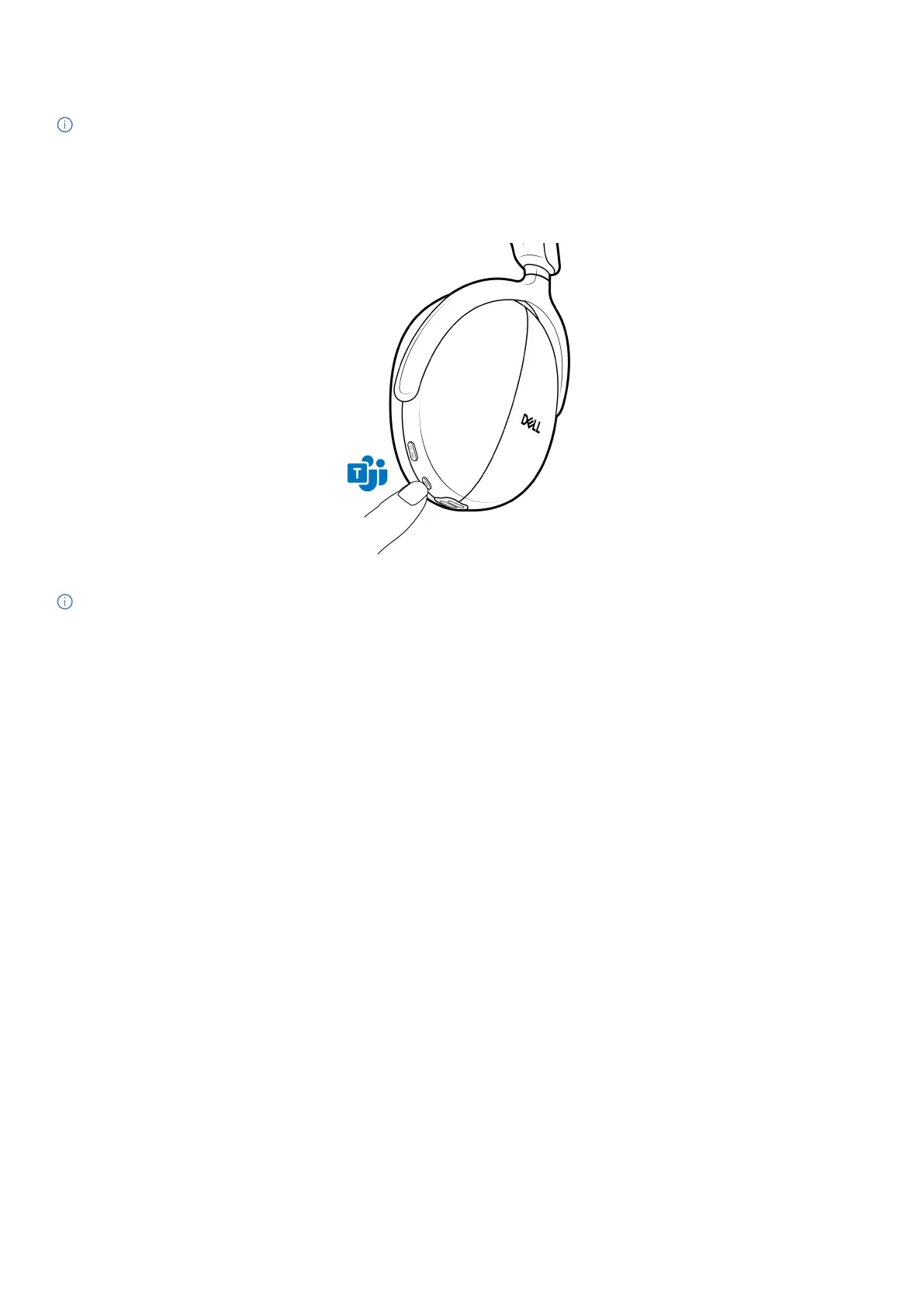
2. When Teams is active and signed in, press the Teams button to invoke and bring it to the front. While on a Teams call, if you long press
the Teams button, you hear a single beep audio prompt. It indicates that they can raise their hand in the Teams call.
Figure 30. Teams button location
NOTE: For more information about the wireless audio receiver LED status, see Wireless audio receiver LED status on page 25.



 To Next Page