17
Connecting your wireless headset to your devices
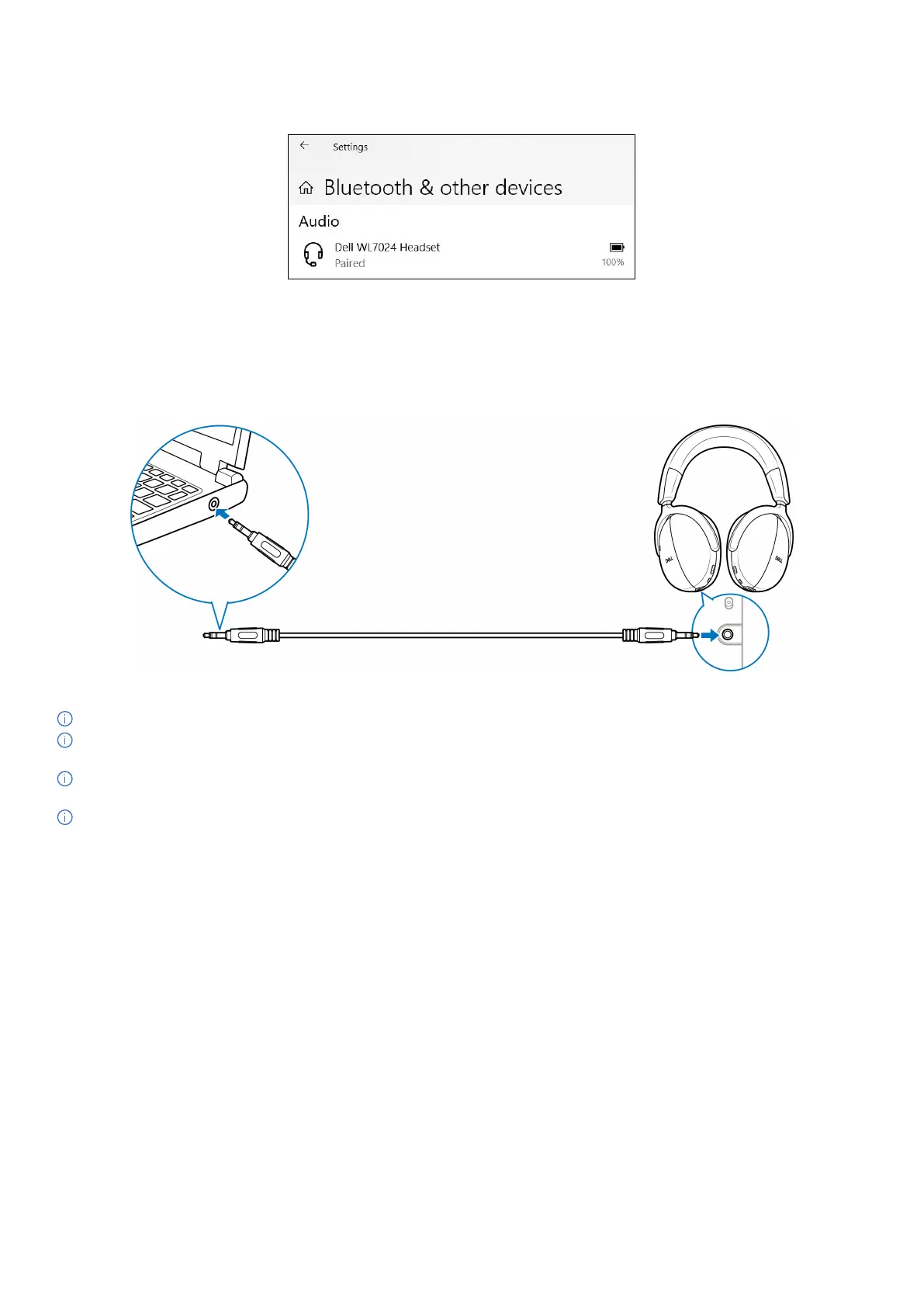
6. Confirm that both the headset and the device are paired. After the headset and a device are paired, they connect automatically when
the Bluetooth is enabled and within Bluetooth range. The connection occurs unless the headset is in wired audio mode.
Figure 20. Pairing is complete
Connecting the headset to your device using the audio cable
Connect the 3.5 mm audio cable to your device, then connect the other end of the cable to the audio port on the left earcup.
While in wired audio mode, the headset turns into a passive headset with power on, power off, and ANC functions only. Touch controls are
inactivated. To adjust volume, use the device control panel.
Figure 21. Audio cable connection
NOTE: When the headset is charging, the 3.5 mm audio mode is not supported.
NOTE: When the 3.5 mm audio cable is inserted, then the audio mode takes priority over calls/music. The Bluetooth mode becomes
unavailable.
NOTE: When the 3.5 mm audio cable is inserted and the headset is powered off then the headset is in a passive mode. When the
headset is powered on, the ANC functions become available. However, the microphone function is unavailable.
NOTE: When the 3.5 mm audio cable is disconnected, the headset searches for and connects to the previous wireless audio receiver.
The previous Bluetooth connection is not automatically reestablished.



 To Next Page