30
Troubleshooting
Problems Possible solutions
Wireless audio receiver is flashing blue but cannot establish
connection with my headset.
• Ensure that the headset is turned on and has sufficient
battery charge to operate.
• Restart your computer.
• Re-pair your headset with the wireless audio receiver in Dell
Peripheral Manager or use a standalone pairing tool.
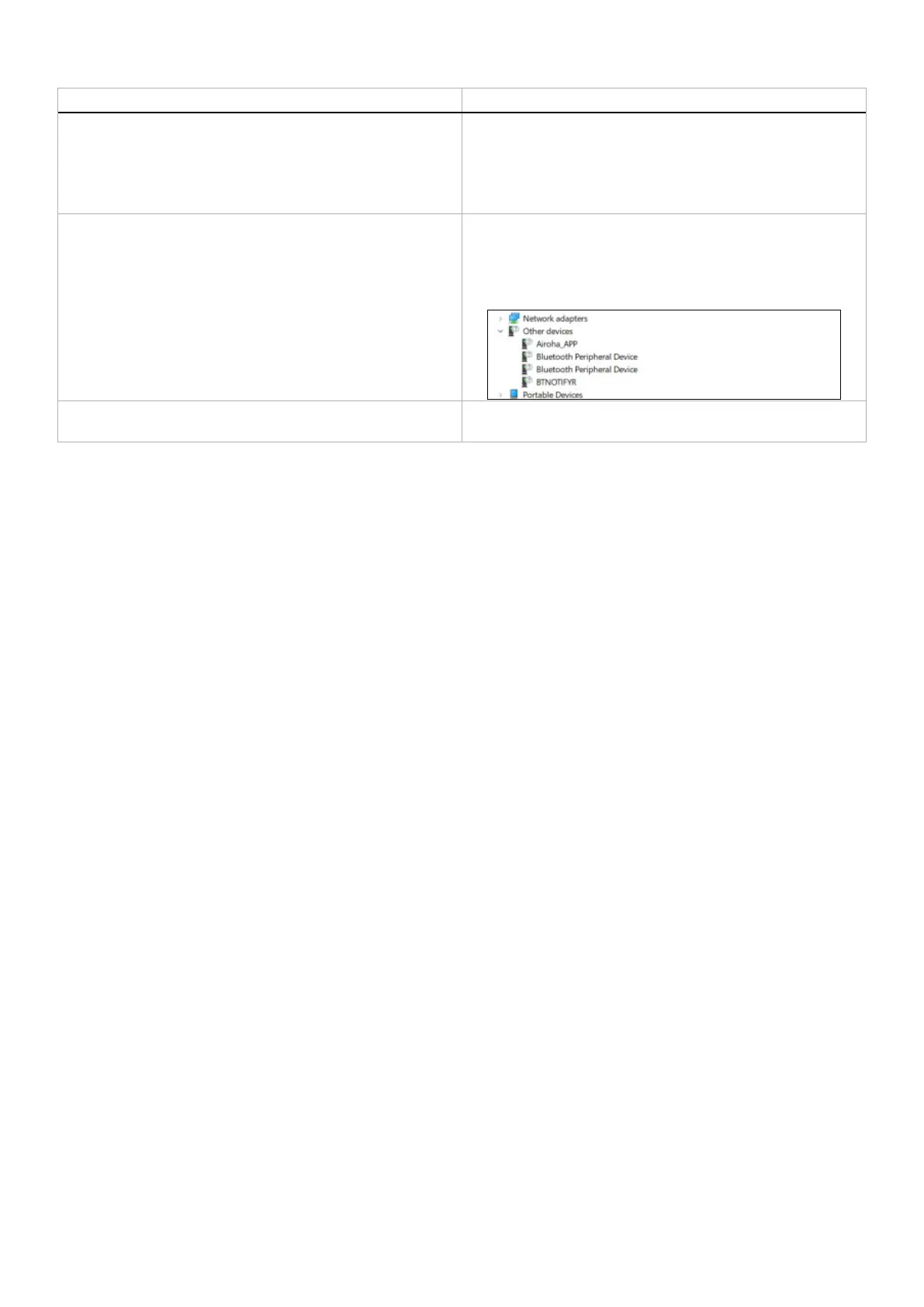
Multiple devices with a (?) are found in Device Manager. They are proprietary Bluetooth features or profiles that are
supported by WL7024. They are crucial for the proper functionality
of Android/iOS phones. Since Windows is not using these profiles,
Device Manager displays a (?) when no driver is loaded for these
profiles.
My headset stopped working. Reset the headset by pressing and holding the power button for
over 10 seconds.



 To Next Page