Chapter 3 Creating and Editing Screens
Revision May, 2010 3-89
How to Input Characters
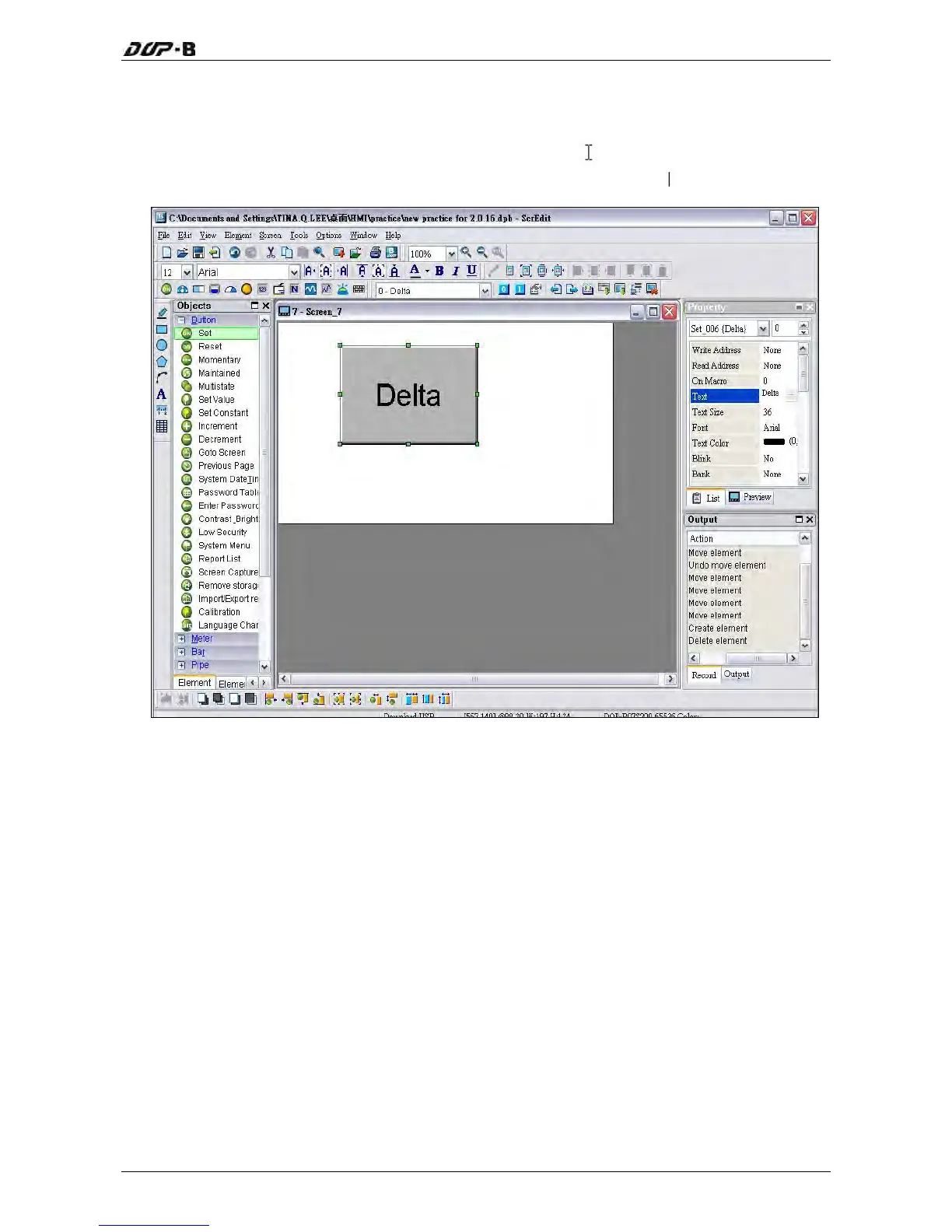
The user can input a string of characters that Windows® operating system accepts in the
property table. When the mouse cursor changes to an icon
, the user can start to input any
characters that Windows® operating system accepts where the cursor
blinks (Fig. 3-8-15).
Fig. 3-8-15 Input Characters


 To Next Page
 Loading...