Chapter 4 Examples
Select the picture that the user wants to transfer shown as the figure below.
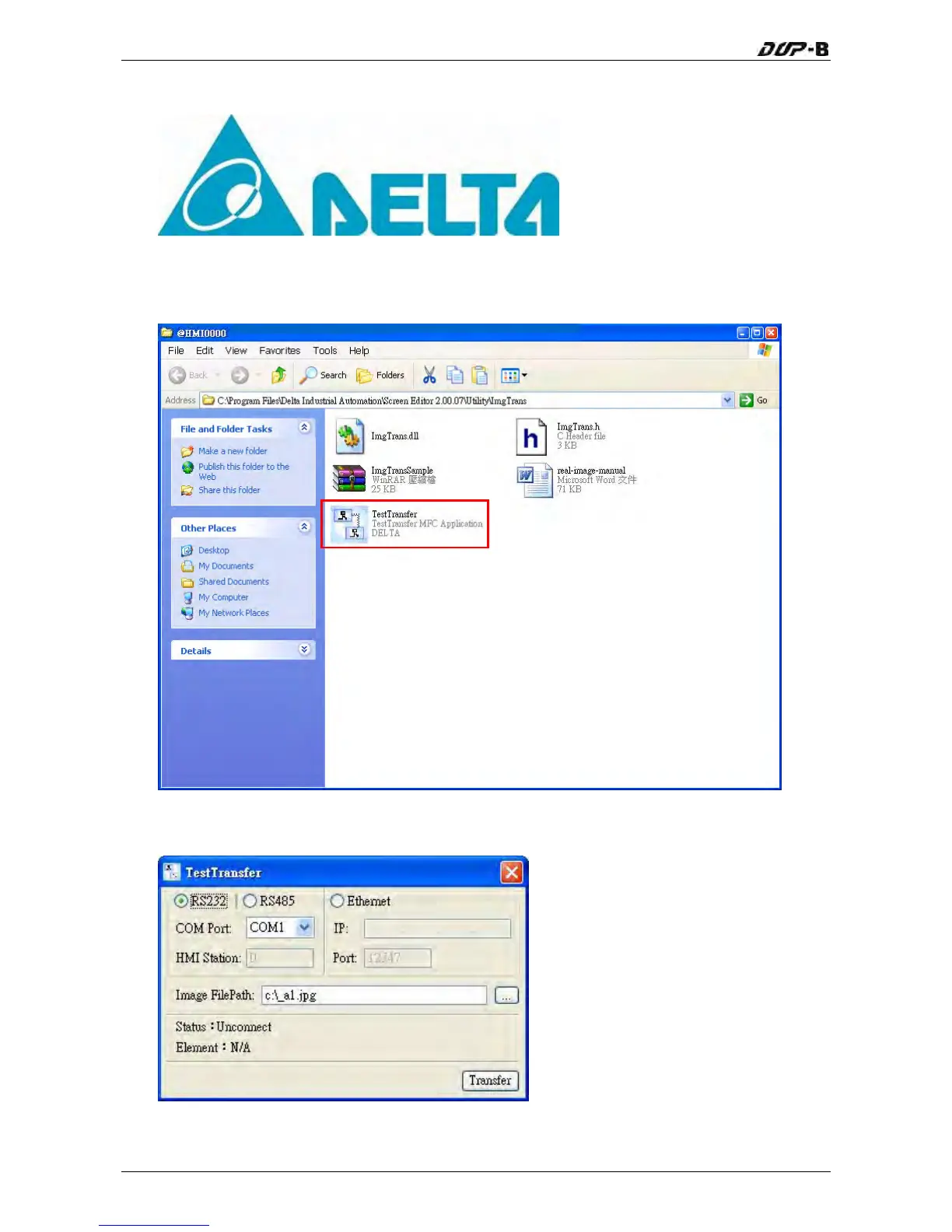
To transfer the graphic file to HMI, a specified program, TestTransfer.exe is needed. Execute
the TestTransfer.exe located at the default directory:
C:\Program Files\Delta Industrial Automation\Screen Editor 2.00.07\Utility\ImgTrans
After double-clicking TestTransfer.exe, the following dialog box will appear.
4-30 Revision May, 2010

 To Next Page
 Loading...