BHT-805B
14
BHT-805B
− Note − Power for the CU-821 can be obtained from a USB connection port (host computer or hub),
however, charging is not possible while the host computer is in suspend mode. Charging is
resumed when suspend mode is exited. This can be avoided using a dedicated AC adapter to
supply power. Suspend mode is a power saving function used to temporarily put the computer on
standby when not in use.
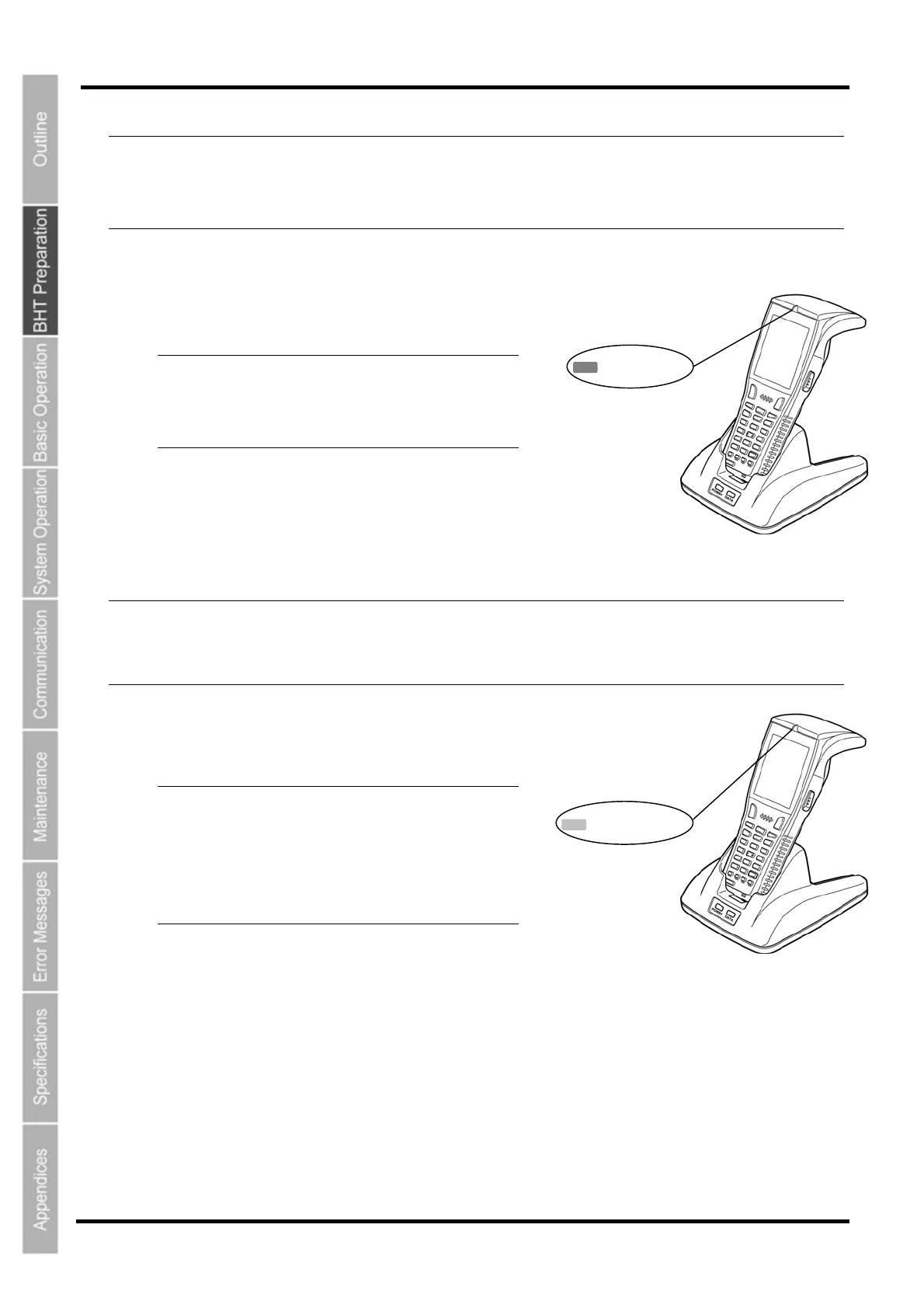
5. Place the BHT on the charger.
The indicator LED illuminates in red and charging begins.
− Point − After placing the BHT on the charge
when using the BHT for the first time or
when left unused for long periods of time,
do not remove from the charger fo
approximately 10 minutes.
*When the BHT is set on the charger, the LCD screen will
momentarily turn gray.
− Note − The BHT is equipped with a back-up battery used to back-up the internal memory and calendar
clock. The internal back-up battery is charged first when charging is commenced.
Do not remove the BHT from the charger for at least 10 minutes when using the BHT for the first
time or when using after long periods of time.
6. The BHT indicator LED will change to green
when charging is complete.
− Point − Charging takes approx
Charging takes approx
when using t
supplied via th
An only slightly discharged battery
cartridge should take this time to
become fully charged.
Green LED ON
Red LED ON
imately 3 hours.
imately 7 hours
he CU-821 with power
e USB port.
14



 To Next Page