31
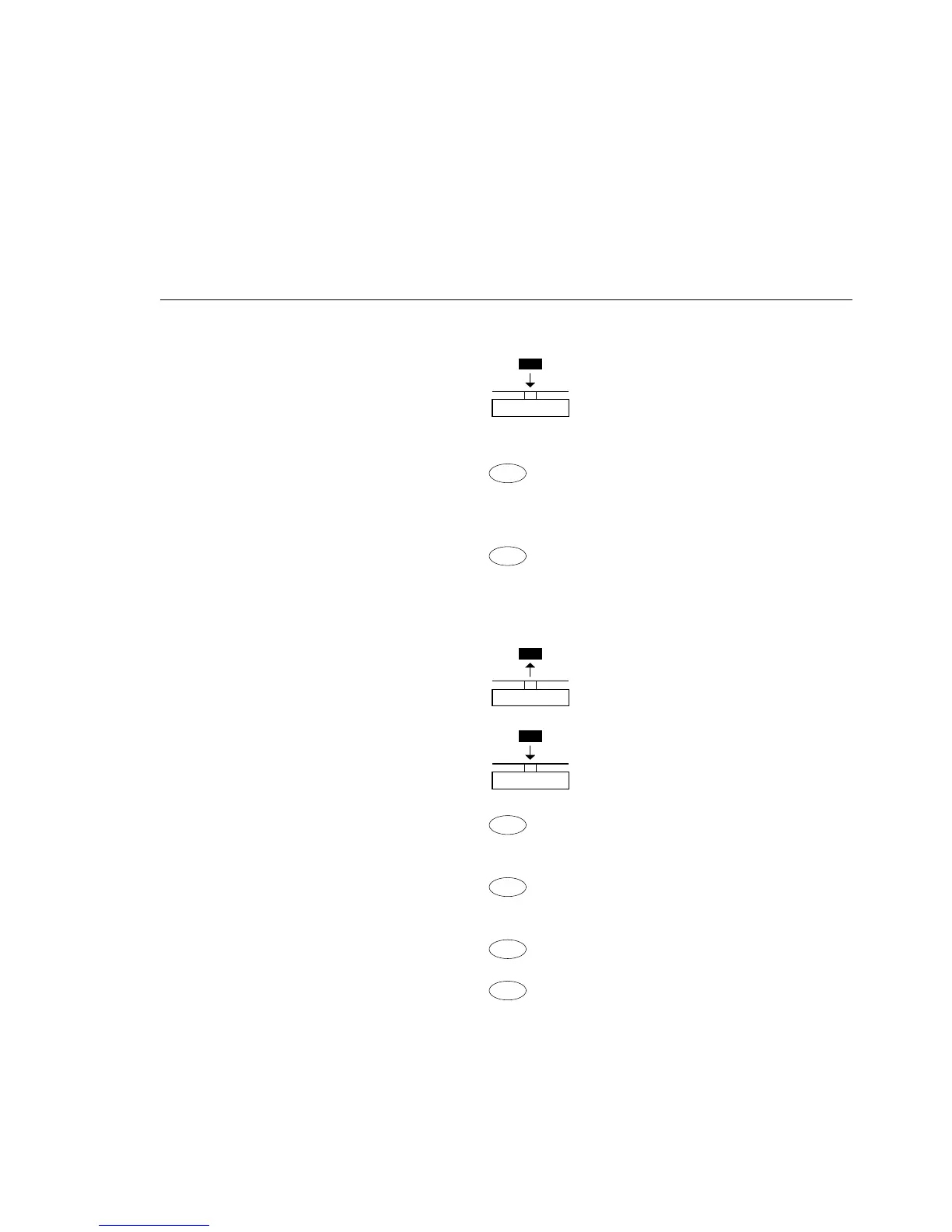
Example: Determining residual weight in percent
Parameter settings: Applic.: Percent (menu code 2. 4.)
Reference percentage: Ref 100%
Step Key Display/Data output
(or instruction)
1. Tare the balance t
0.0 g
2. Place sample equal to 100%
on the balance
(in this example: 111.6 g)
3. Information:
Enter reference percentage
ref 100
%
(Changing the reference:
see the previous page)
4. Initialize the balance +
100.0
%
*
The current reference weight pRef 100 %
remains stored until a new Wxx% 111.6 g
reference is set or the power
supply is interrupted
5. Remove sample
(e.g., for drying)
6. Place unknown weight +
94.9
%
*
on balance
(in this example: 322.5 g)
7. If desired, print percentage
Prc + 94.9 %
8. Toggle display between Repeatedly: + 105.9 g
*
weight and percentage + 94.9
%
*
9. Clear display of residual weight
and reference percentage +
105.9 g
10. If desired, print net
N + 105.9 g
residual weight







 To Next Page