32
Calculation
Display symbol: C
Purpose
With this application program you
can calculate weight value using a
multiplier or divisor. This can be used,
for example, to determine the weight
per unit area, or “gsm” weight (grams
per square meter), of paper.
Preparation
§ Select the Calculation application in
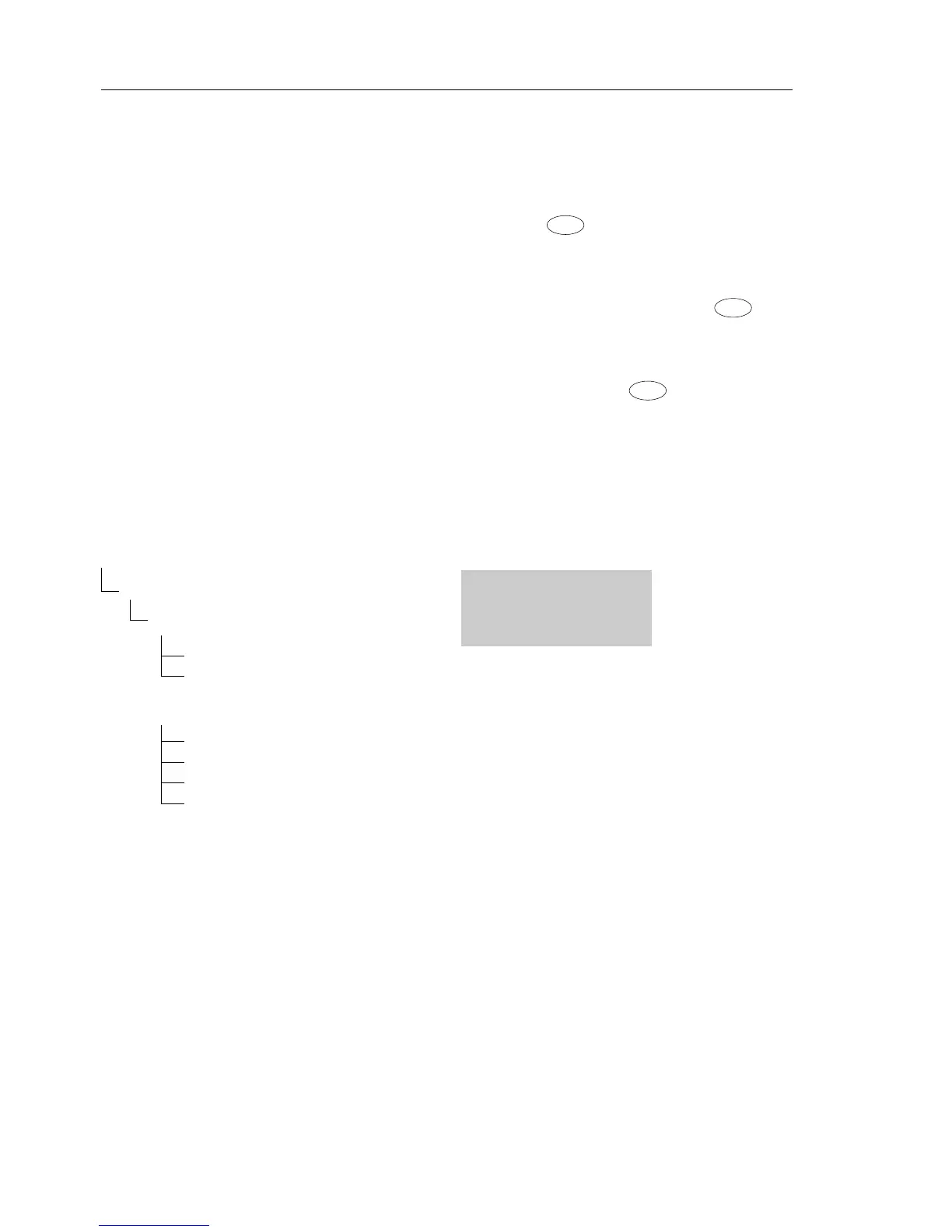
the menu:
see “Configuration.”
§ Set the following parameters:
Applic. Application program
Calc. Calculation
Method Operator
o Mul. Multiplier
Div. Divisor
Dec.Plcs. Decimal places
None No decimal places
o 1 Dec. Pl. 1 decimal place
2 Dec. Pl. 2 decimal places
3 Dec. Pl. 3 decimal places
o = Factory setting
Setting the Factor or Divisor
Activate function:
Press the key
Select a number of up to 7 digits and,
if needed, one decimal point
(0.000001 to 9999999):
In increments of 1: Press the key
briefly
To increase the value without pressing
repeatedly:
Press and hold the key.
The selected operator is stored in
battery-backed memory.
Printout: Calculation
Mul + 1.2634 : Multiplier
Div + 0.6237 : Divisor
Res + 79.7 o : Result







 To Next Page