Error Messages
8
D 1650iD/D 2050iD 8-3
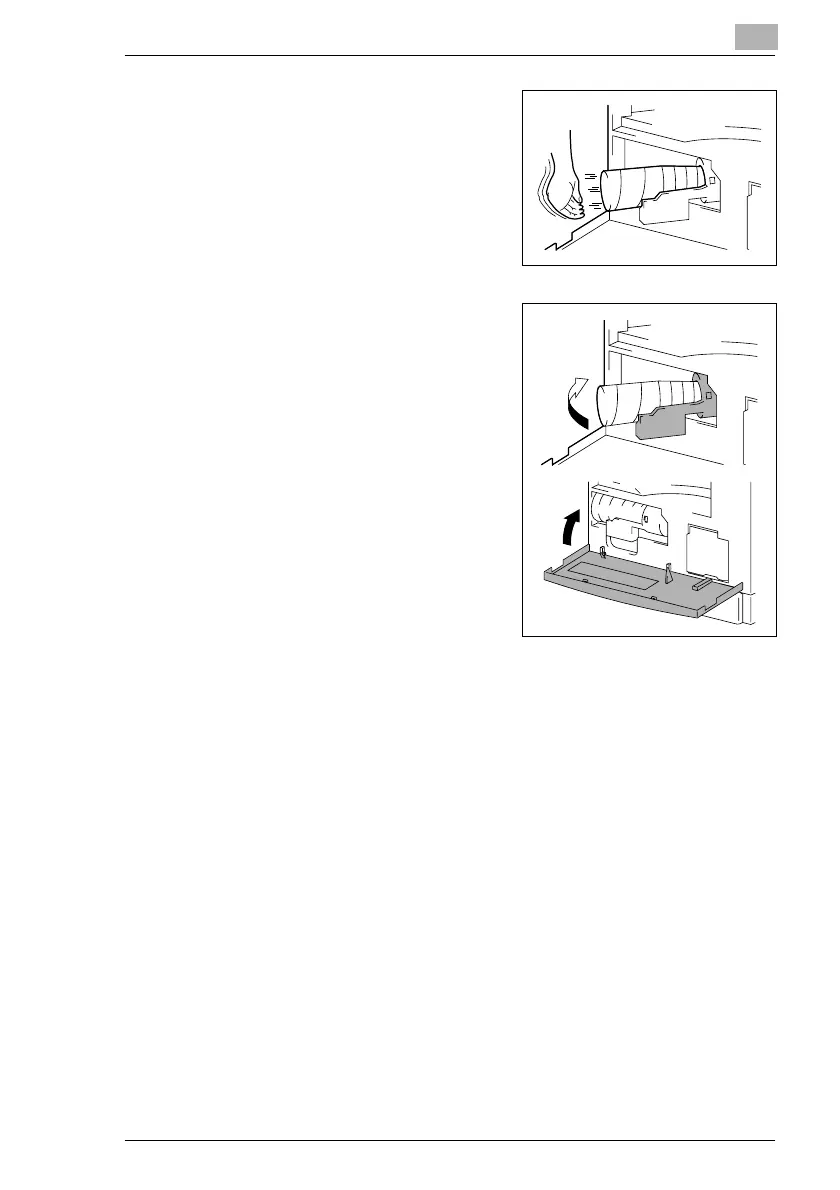
5 Lightly tap the bottom of the toner
bottle three or four times.
6 Close the Toner Bottle Holder, and
then close the Front Cover.
H When the Front Cover is closed,
the toner automatically begins
refilling.
?
Are copies faint immediately
after the toner bottle is
replaced?
§ Perform the “TONER
REPLENISHER” function in the
Utility mode (p. 7-1).



 To Next Page