Error Messages
8
D 1650iD/D 2050iD 8-15
8.4 Main Error Messages and Their Remedies
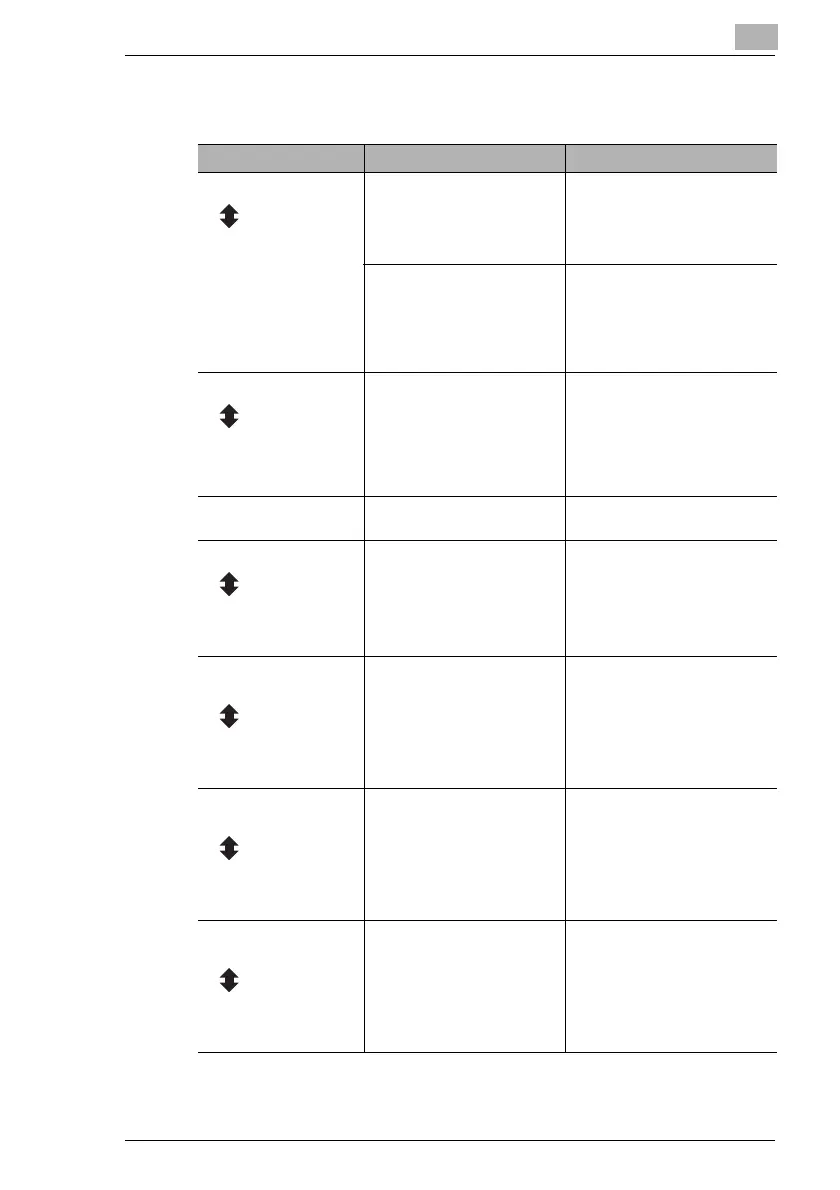
Message Cause Remedy
PAPER JAM A paper misfeed occurred in
the main unit.
Open the cover at the indicated
location, and then remove the
misfed paper. (“When the
Message “PAPER JAM”
Appears” on page 8-4)
(Flashing
alternately)
OPEN XXX SIDE
COVER
All misfed paper was not
removed from the main unit.
Check the message in the
display for the location of the
paper misfeed, and then
remove the misfed paper.
(“When the Message “PAPER
JAM” Appears” on page 8-4)
ORIGINAL DOC.JAM A paper misfeed occurred in
the Document Feeder.
All misfed paper was not
removed from the Automatic
Document Feeder.
Open the Document Feeder
Cover and the Document
Feeder, and then remove the
misfed paper. (“When the
Message “ORIGINAL
DOC.JAM” Appears” on
page 8-11)
(Flashing
alternately)
OPEN DOC.FEED
COVER
REMOVE PAPER IN
BYPASS TRAY
Paper is loaded in the Manual
Bypass.
Remove the paper from the
Manual Bypass.
FRONT COVER OPEN The Front Cover of the main
unit is open or not securely
closed.
Securely close the Front Cover.
(Flashing
alternately)
CLOSE FRONT
COVER
DUPLEX COVER
OPEN
The Duplex Unit Cover is open
or not securely closed.
Securely close the Duplex Unit
Cover.
(Flashing
alternately)
CLOSE DUPLEX
COVER
DOCUMENT COVER
OPEN
The Document Feeder is lifted
up (while a document is
loaded into it).
Securely close the Document
Feeder.
(Flashing
alternately)
CLOSE DOCUMENT
COVER
DOC.FEED COVER
OPEN
The Document Feeder Cover
is open.
Securely close the Document
Feeder Cover.
(Flashing
alternately)
CLOSE DOC.FEED
COVER



 To Next Page