5
Before Making Copies
5-14 D 1650iD/D 2050iD
Copying Onto Manually Fed Paper by Multiple Bypass
1 Load the document to be copied.
H Refer to “Loading the Document” on page 3-8.
2 Adjust the Bypass Tray Extender
and the paper guides to fit the size
of the paper.
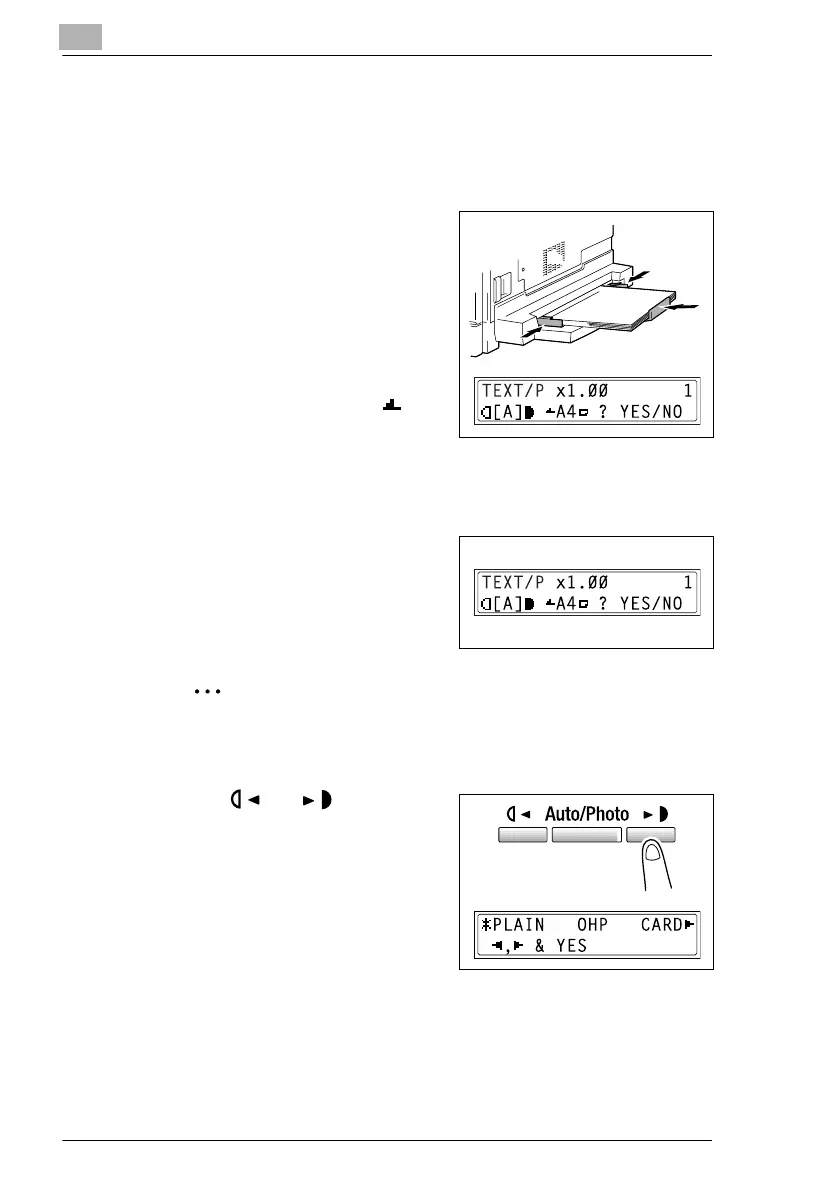
3 Load the paper with the front side
facing down, lightly sliding the paper
as much as possible into the feed
slot.
The manual bypass mark ( )
appears in the bottom line of the
screen.
?
Are sheets of cards or postcards loaded?
§ Make sure that they are not curled (rolled).
4 Check that “YES/NO” appears in
the bottom line of the screen, and
then press the [No] key.
The “PAPER SOURCE SETUP”
menu appears.
Note
“YES/NO” is displayed for approximately 5 seconds after paper is
loaded into the Multiple Bypass.
5 Use the and keys to select
the type of paper loaded.
H Select from the following four
paper type settings.
“PLAIN”
“OHP”
“CARD”
“ENVELOPE”
6 Press the [Yes] key.
The PAPER SIZE menu appears.



 To Next Page