Before Making Copies
5
D 1650iD/D 2050iD 5-23
To make copies using the “AUTO” zoom setting
1 Load the document to be copied.
H Refer to “Loading the Document” on page 3-8.
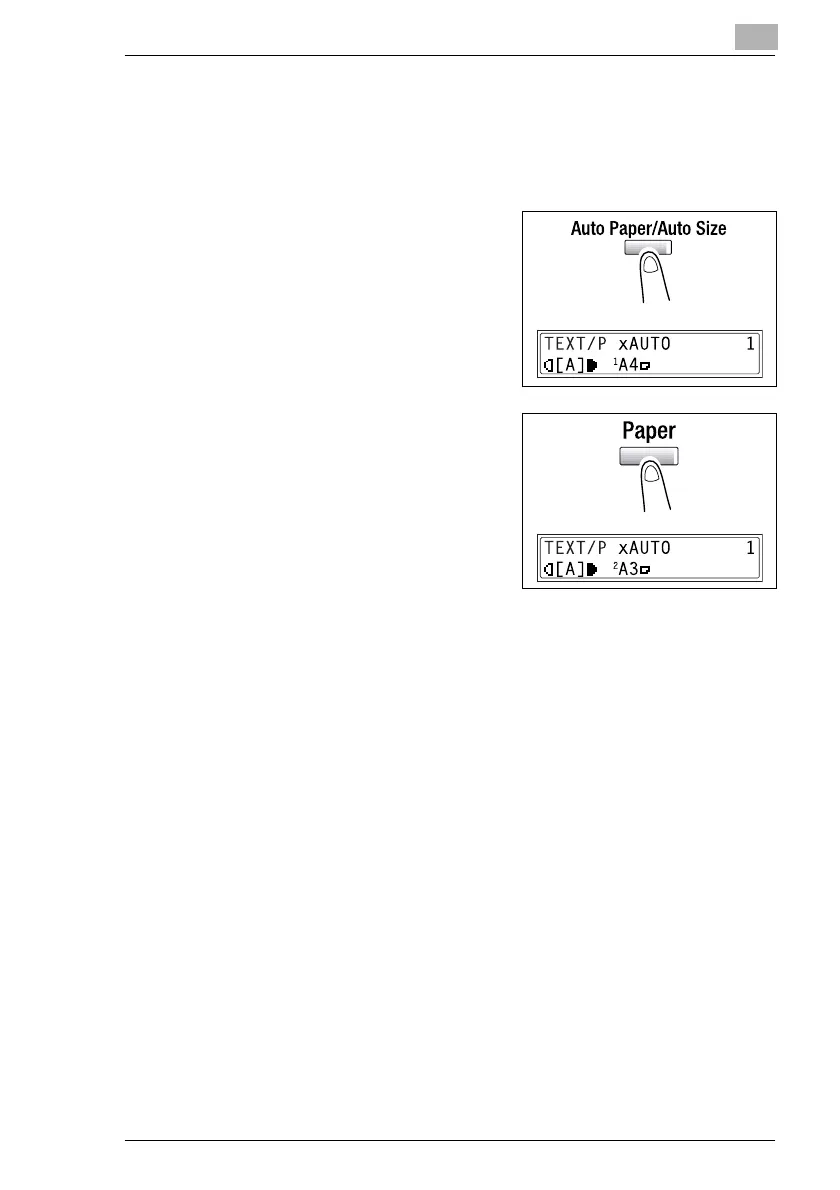
2 Press the [Auto Paper/Auto Size]
key until the Auto Size function is
selected.
H Check that “AUTO” appears in
the top line of the screen.
3 Press the [Paper] key, and then
select the desired paper size.
4 If necessary, specify any other copy
settings.
H Copy density (p. 5-26)
H Advanced Copy Operations
(p. 6-1)
5 Using the 10-Key Pad, enter the desired number of copies, and then
press the [Start] key.



 To Next Page