3
Basic Operations
3-10 D 1650iD/D 2050iD
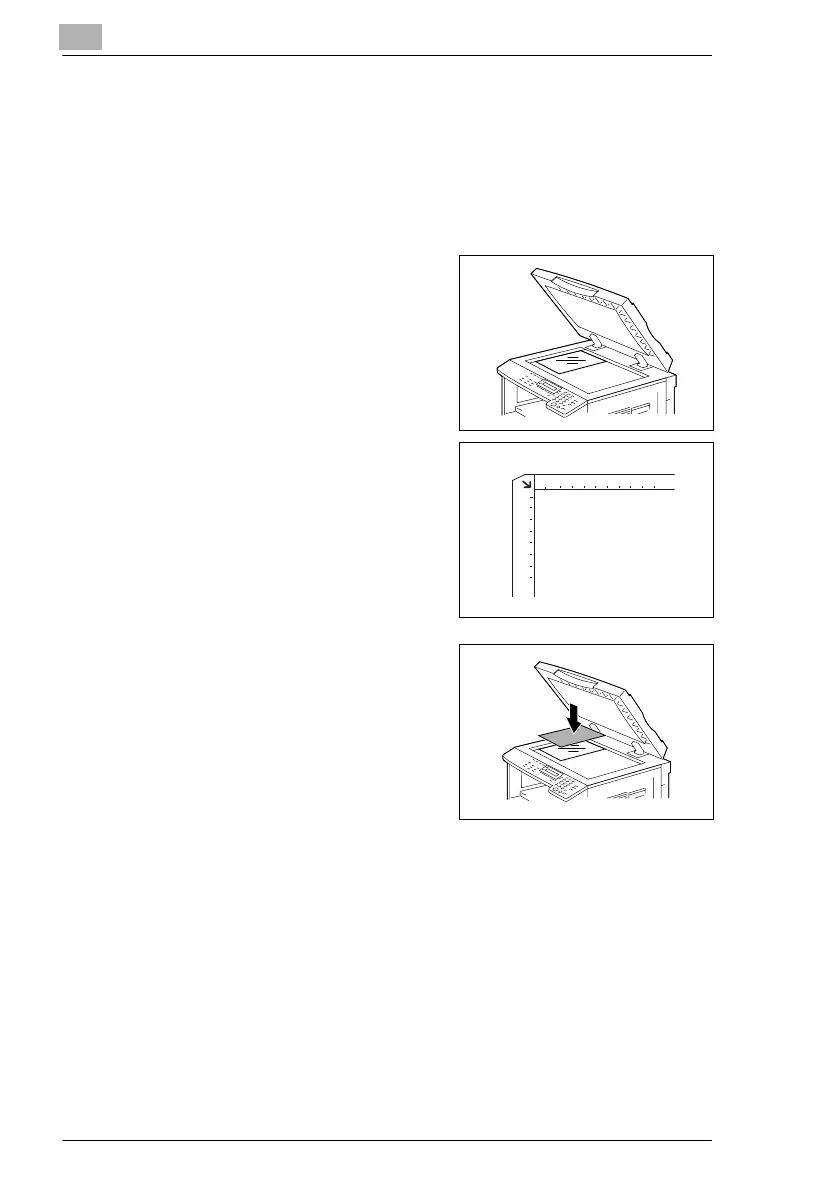
Positioning transparent documents on the Original Glass
When copying a highly transparent or translucent document, such as OHP
transparencies, tracing paper or diazo photosensitive paper, position it as
described below.
1 Lift open the Original Cover, or the Document Feeder if it is installed.
2 Position the document to be copied
face down on the Original Glass.
H Align the document on the
scales above and to the left of
the Original Glass.
3 Place a blank sheet of paper of the
same size over the document.
4 Carefully close the Original Cover,
or the Document Feeder if it is
installed.
5 If necessary, specify any other copy
settings.
H Before Making Copies (p. 5-1)
H Advanced Copy Operations (p. 6-1)
6 Press the [Start] key.



 To Next Page