Useful Operations
4
D 1650iD/D 2050iD 4-1
4 Useful Operations
4.1 Specifying a Zoom setting [CD]
For further information, see “4 Useful Operations” in the extended
manual on the CD-R.
4.2 Using the “Auto/Photo” Function [CD]
For further information, see “4 Useful Operations” in the extended
manual on the CD-R.
4.3 Copying Onto Various Types of Media
To copy onto OHP transparencies
As an example, the following procedure describes how to make copies
onto OHP transparencies loaded into the 1st Tray.
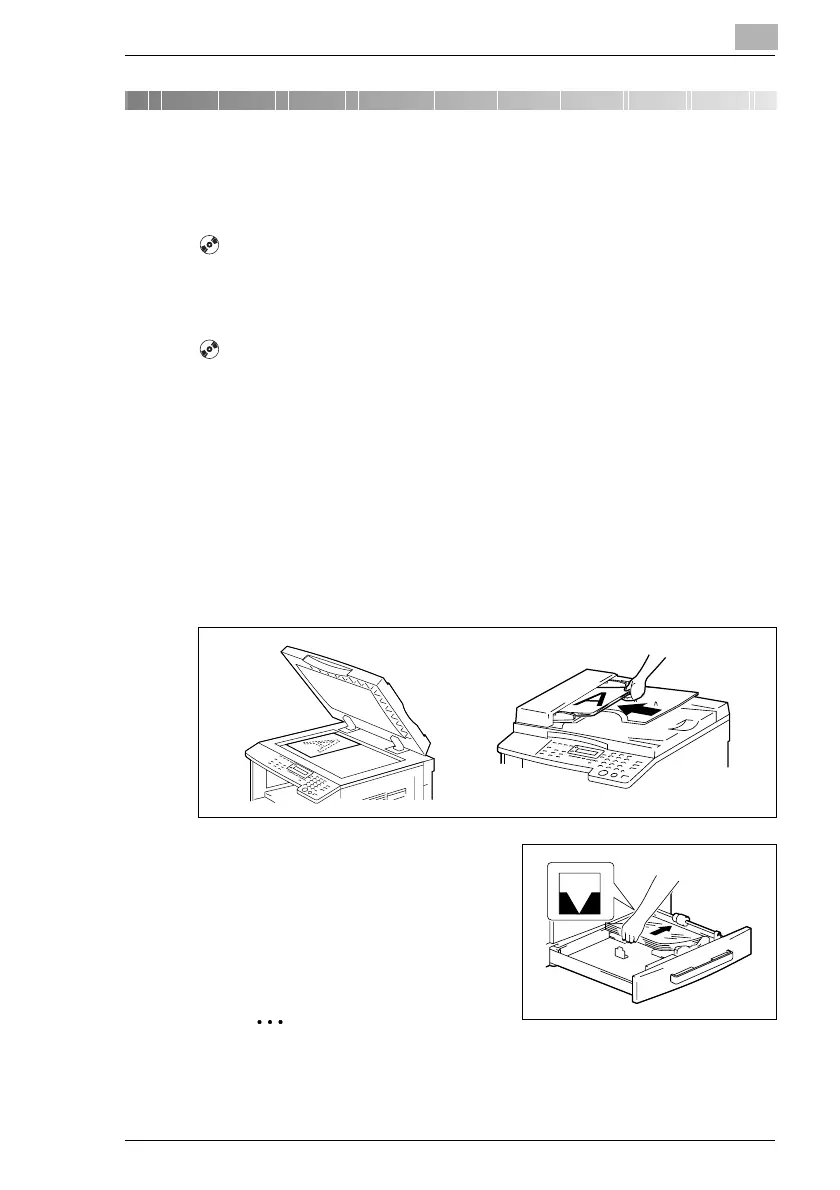
1 Position the A4-sized document.
H Refer to “Loading the Document” on page 3-8.
2 Adjust the paper guides in the 1st
Tray, and load the OHP
transparencies.
H Load OHP transparencies in the
same orientation as the
document.
Note
A maximum of 20 OHP transparencies can be loaded.



 To Next Page