Before Making Copies
5
D 1650iD/D 2050iD 5-19
5.6 Original Documents
Using the Document Feeder
The document feeder automatically feeds in, scans, then feeds out each
page of a multi-page document, one page at a time. The correct type of
document must be loaded in order for the document feeder to function
properly.
Using an incorrect type of document may cause a paper misfeed or
damage to the document or machine.
Note
In order to copy double-sided documents, the Duplexing Document
Feeder AFR-19 (for D 2050iD) must be installed.
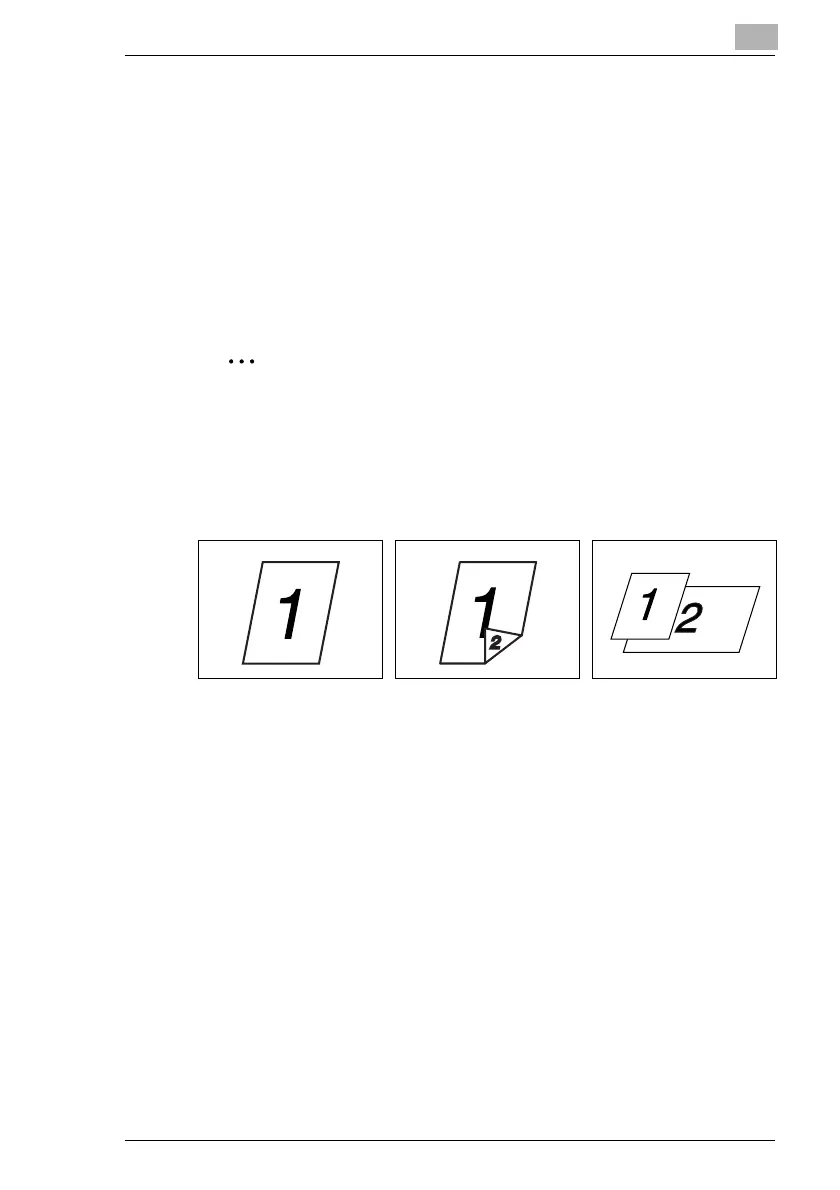
Document Types
Single-sided documents Double-sided documents Documents of mixed sizes



 To Next Page