5
Before Making Copies
5-10 D 1650iD/D 2050iD
Loading Postcards Into the Bypass Trays [CD]
For further information, see “5 Before Making Copies” in the extended
manual on the CD-R.
Loading Envelopes Into the Bypass Trays [CD]
For further information, see “5 Before Making Copies” in the extended
manual on the CD-R.
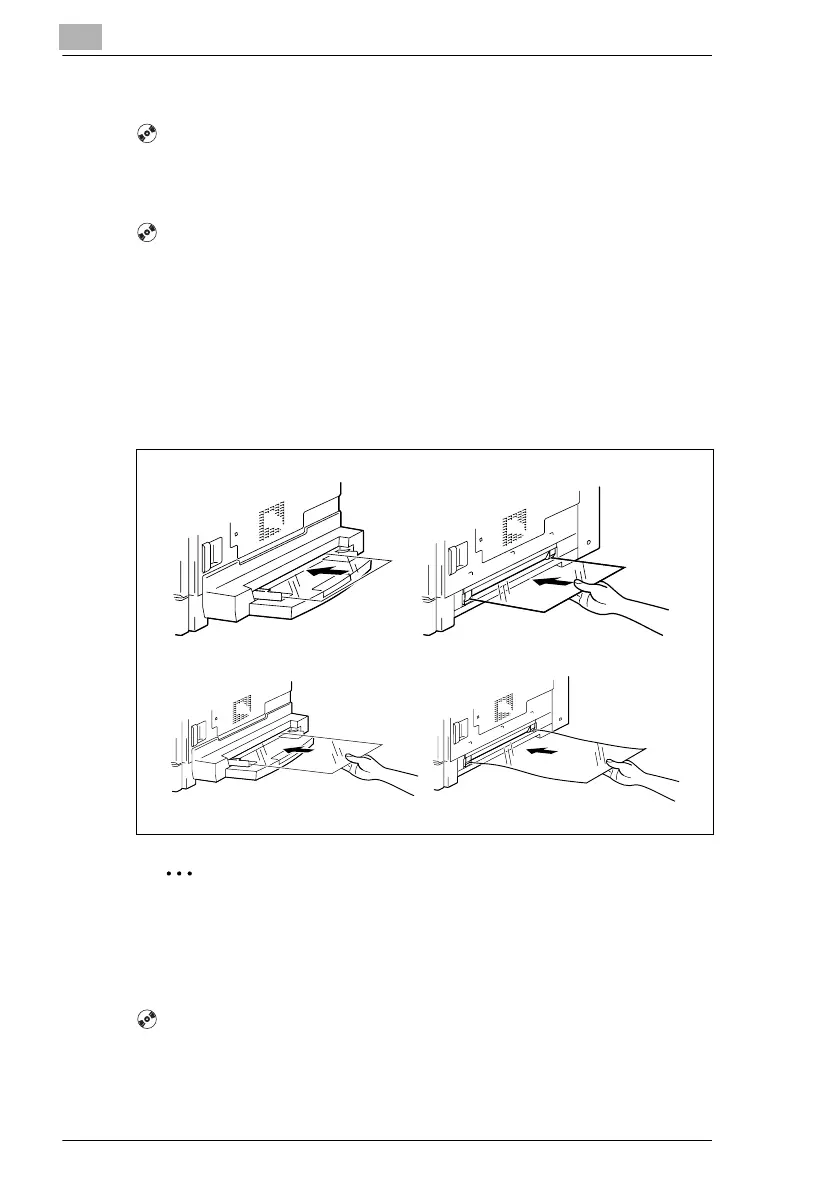
Loading OHP Transparencies Into the Bypass Trays
Load the paper into the Manual Bypass one sheet at a time.
Up to 20 sheets of paper can be loaded into the Multiple Bypass.
§ When loading OHP transparencies, load them in the same orientation
as the document.
Note
After you have loaded the transparencies, use the control panel to
specify the paper size and paper type for the Bypass Tray.
Loading Label Sheets Into the Bypass Trays [CD]
For further information, see “5 Before Making Copies” in the extended
manual on the CD-R.



 To Next Page