8
Error Messages
8-12 D 1650iD/D 2050iD
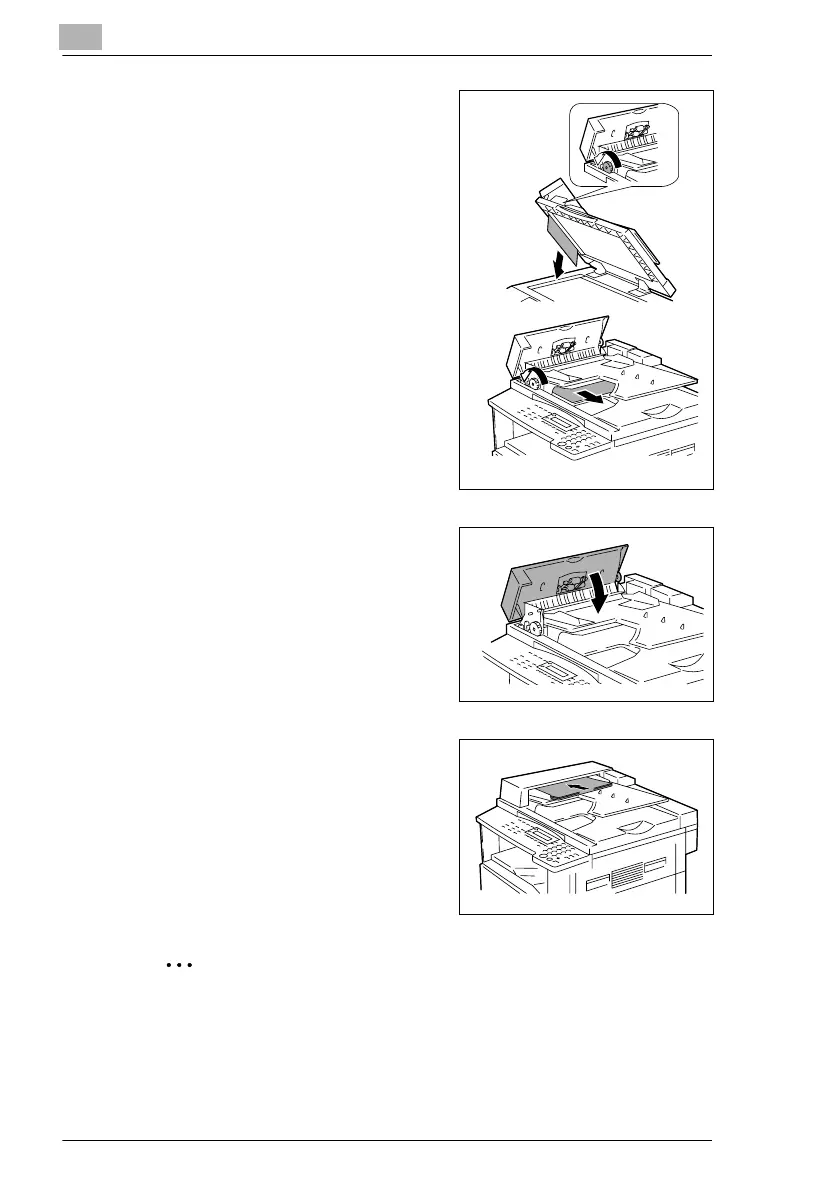
4 While turning the Document Feed
Knob in the direction of the arrow,
slowly pull out the document.
5 Close the Automatic Document
Feeder and the Document Feeder
Cover.
6 Load the documents removed in
step 2 back into the tray.
Note
If “RETURN 1 (2) ORIG. to ADF and PRESS START KEY” appears on
the display, also load the one or two document pages that caused the
paper misfeed.



 To Next Page