23
2
Hardware Installation
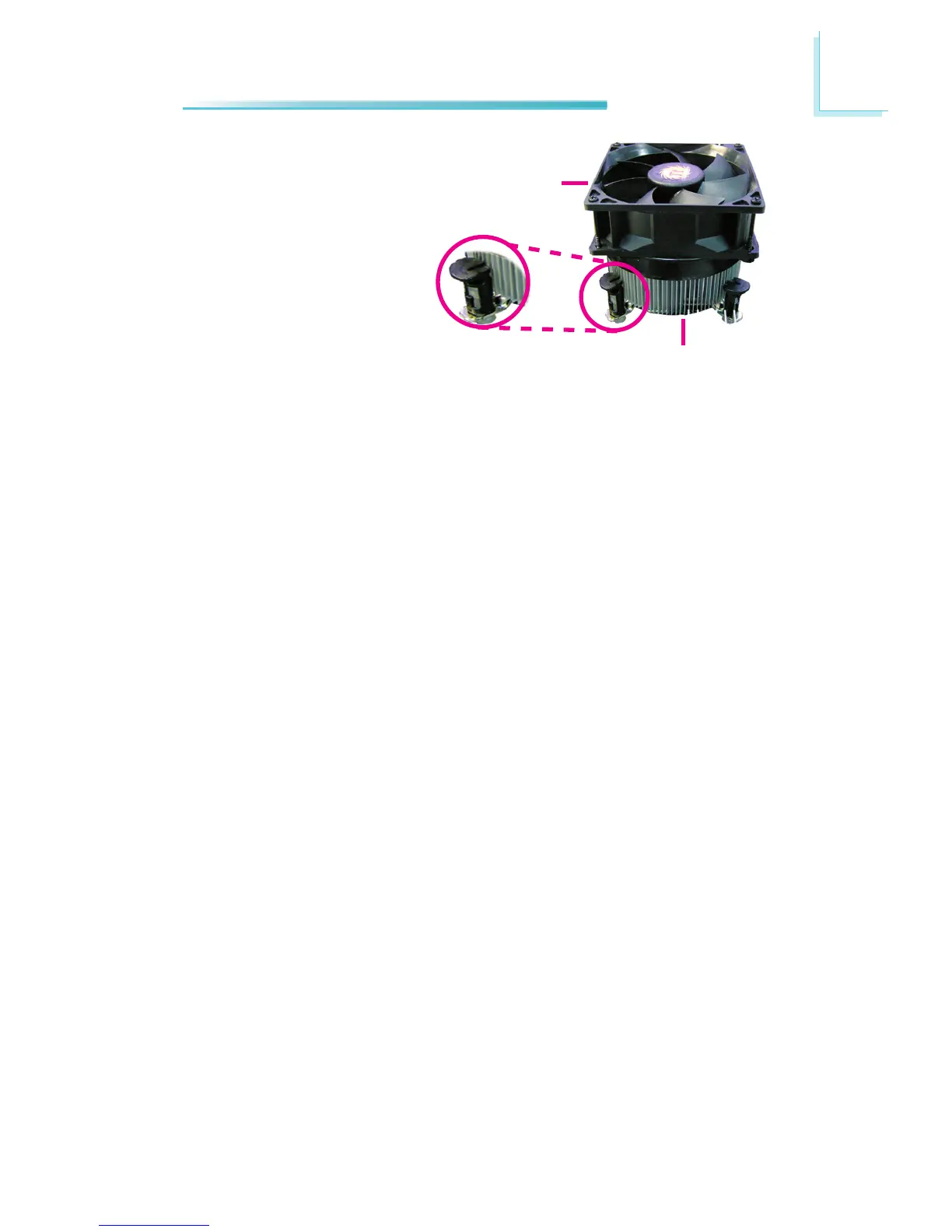
4. Rotate each push-pin ac-
cording to the direction of
the arrow shown on top of
the pin.
Push down two pushpins
that are diagonally across
the heat sink. Perform the
same procedure for the
other two push-pins.
Fan
Heat sink
Push pin
5. Connect the CPU fan’s cable connector to the CPU fan connector on the sys-
tem board.



 To Next Page