35
2
Hardware Installation
DVI-I Port
DVI-I
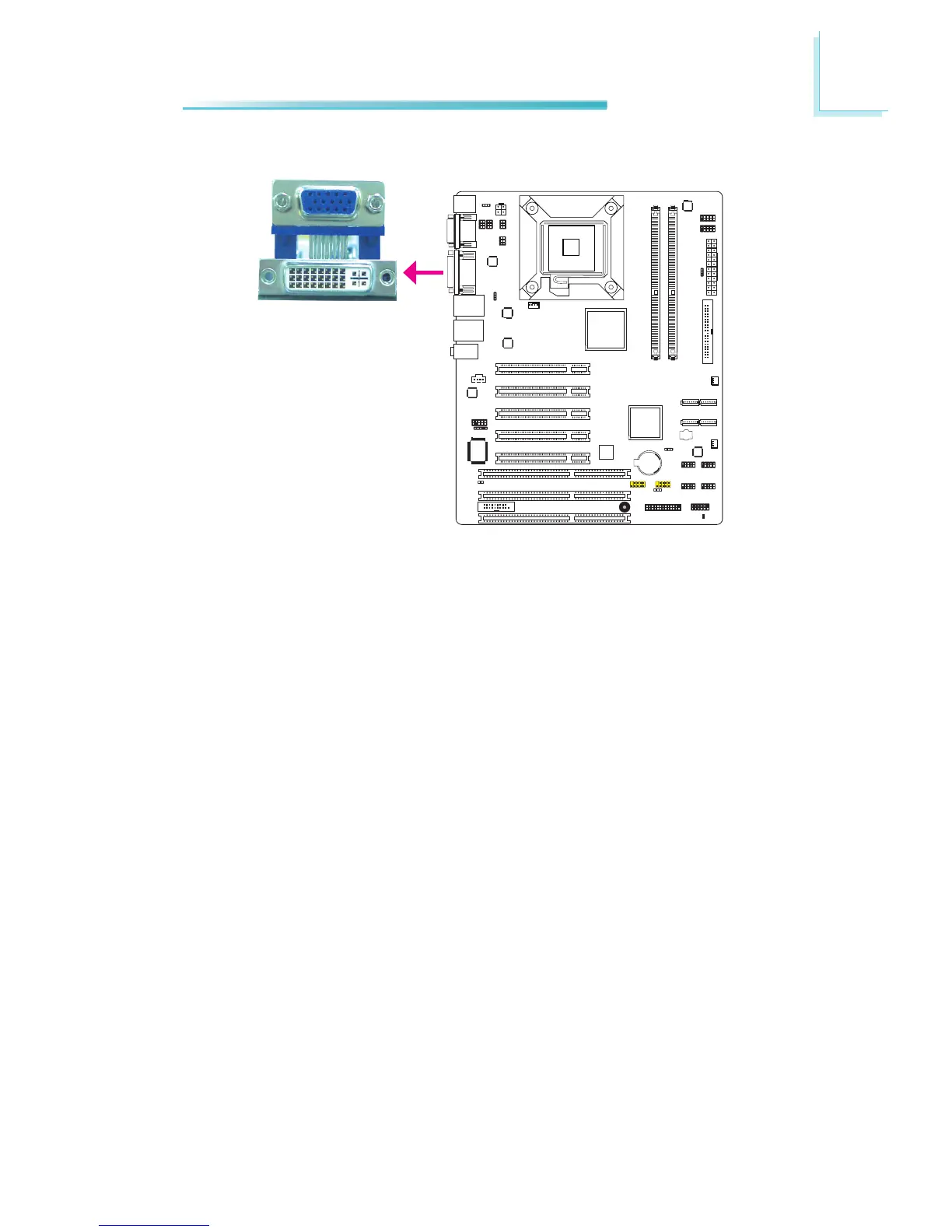
The DVI-Iport is usedto connect an LCD monitor. This port supports DVI-D sig-
nalonly.
Connectthedisplaydevice’scableconnectortotheDVI-Iport.Afteryouplugthe
cableconnectorintotheport,gentlytightenthecablescrewstoholdtheconnec-
torinplace.
BIOS Setting
Congure the display device in the Advanced Chipset Features submenu of the
BIOS.Refertochapter3formoreinformation.
REV.1



 To Next Page