90
4
Supported Software
The CD that came with the system board contains drivers, utilities and software
applications required to enhance the performance of the system board.
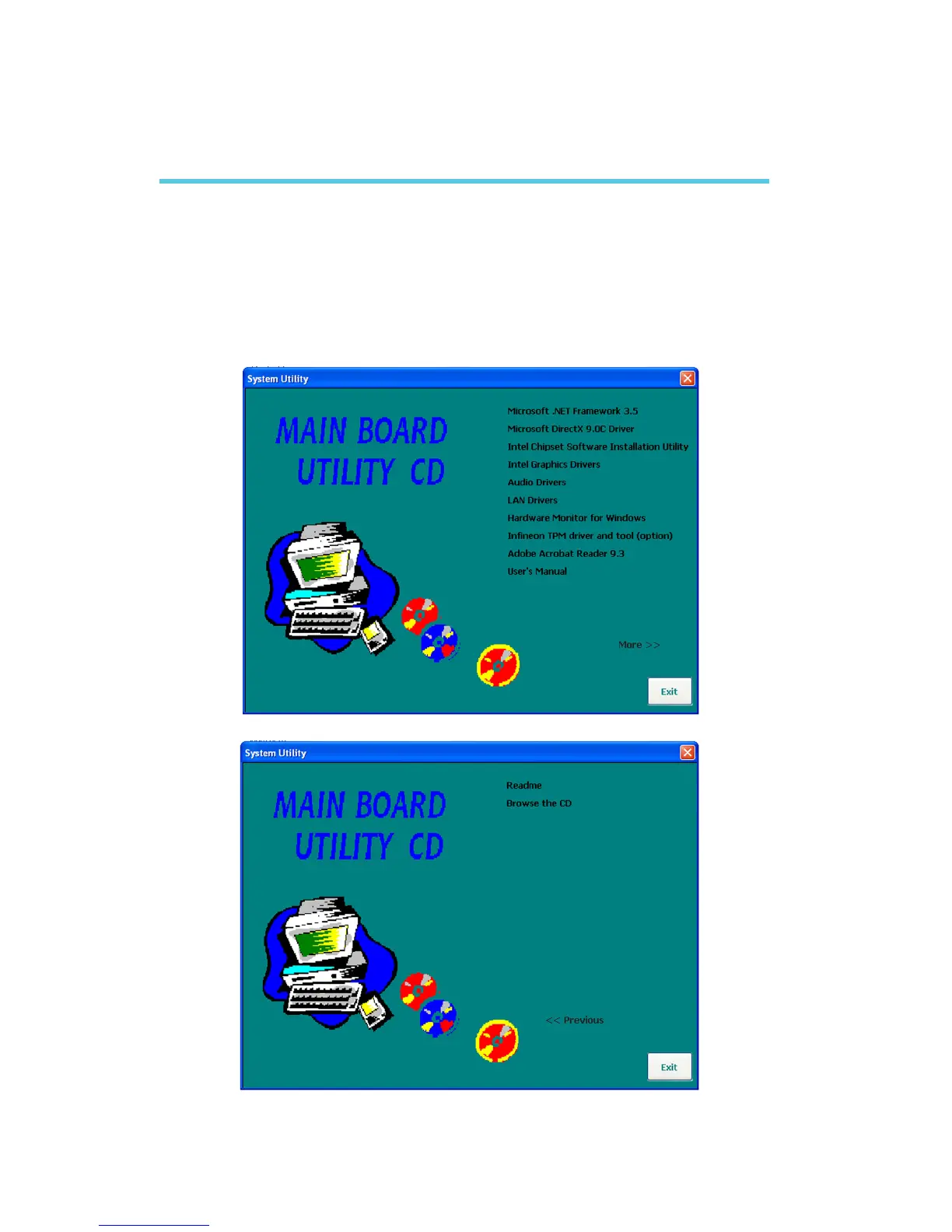
Insert the CD into a CD-ROM drive. The autorun screen (Mainboard Utility CD)
will appear. If after inserting the CD, “Autorun” did not automatically start (which
is, the Mainboard Utility CD screen did not appear), please go directly to the root
directory of the CD and double-click “Setup”.
Chapter 4 - Supported Software



 To Next Page