46
2
Hardware Installation
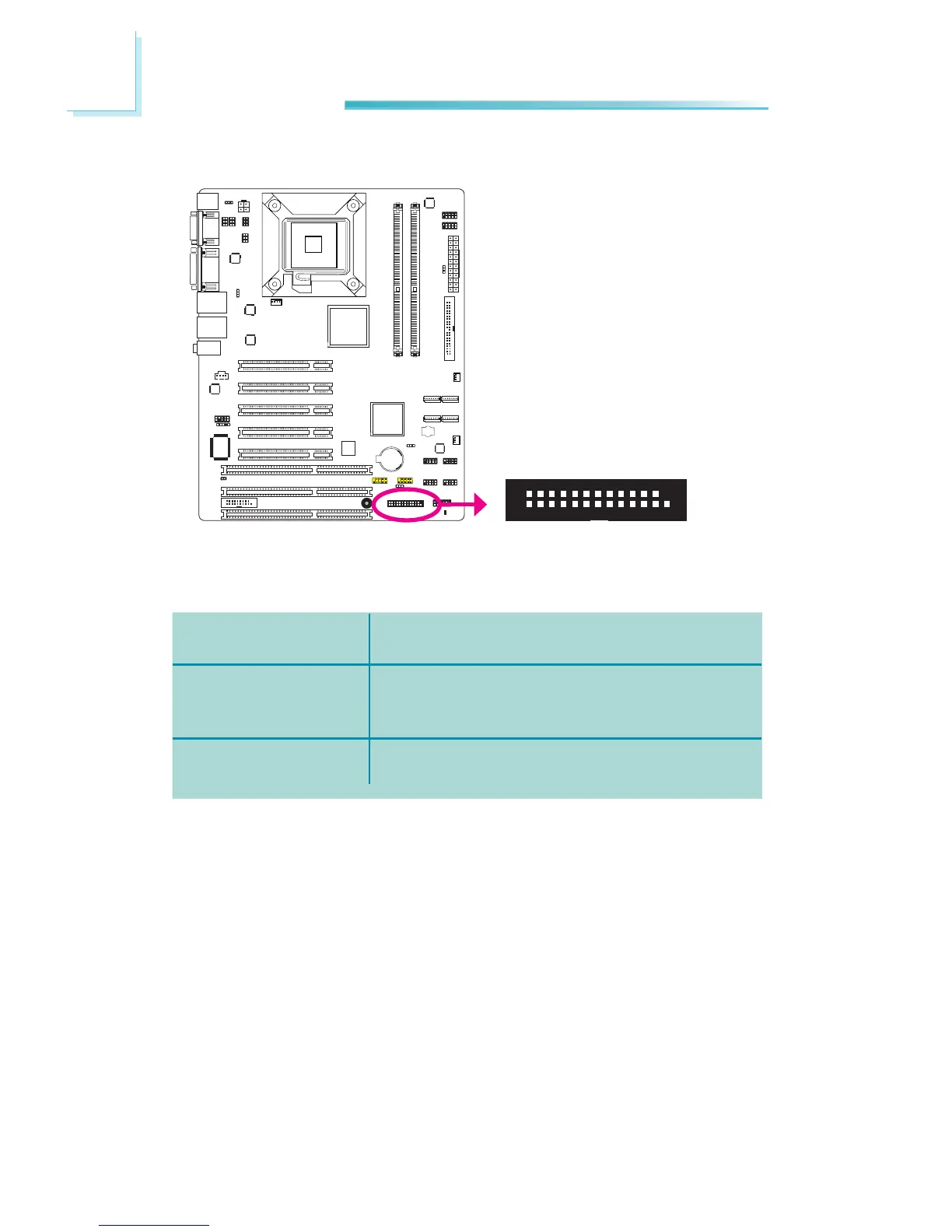
Parallel Connector
REV.1
1
2
25
The parallel port is for interfacing your PC to a parallel printer. It supports SPP,
ECPandEPP.
Allows normal speedoperationbut in one direc-
tiononly.
Allows parallel port to operate in bidirectional
modeandataspeedfasterthantheSPP’sdata
transferrate.
Allows bidirectional parallel port operation at
maximumspeed.
SPP
(StandardParallelPort)
ECP
(Extended Capabilities
Port)
EPP
(EnhancedParallelPort)
Connecting the Parallel Port Cable
Yourparallelportmaybemountedonacard-edgebracket.Installthecard-edge
bracket to an available slot at the rear of the system chassis then insert the
cable to the parallel connector. Make sure the colored stripe on the ribbon cable
isalignedwithpin1oftheconnector.
BIOS Setting
ConguretheonboardparallelintheAdvancedmenuoftheBIOS.Refertochap-
ter3formoreinformation.



 To Next Page