48
2
Hardware Installation
REV.1
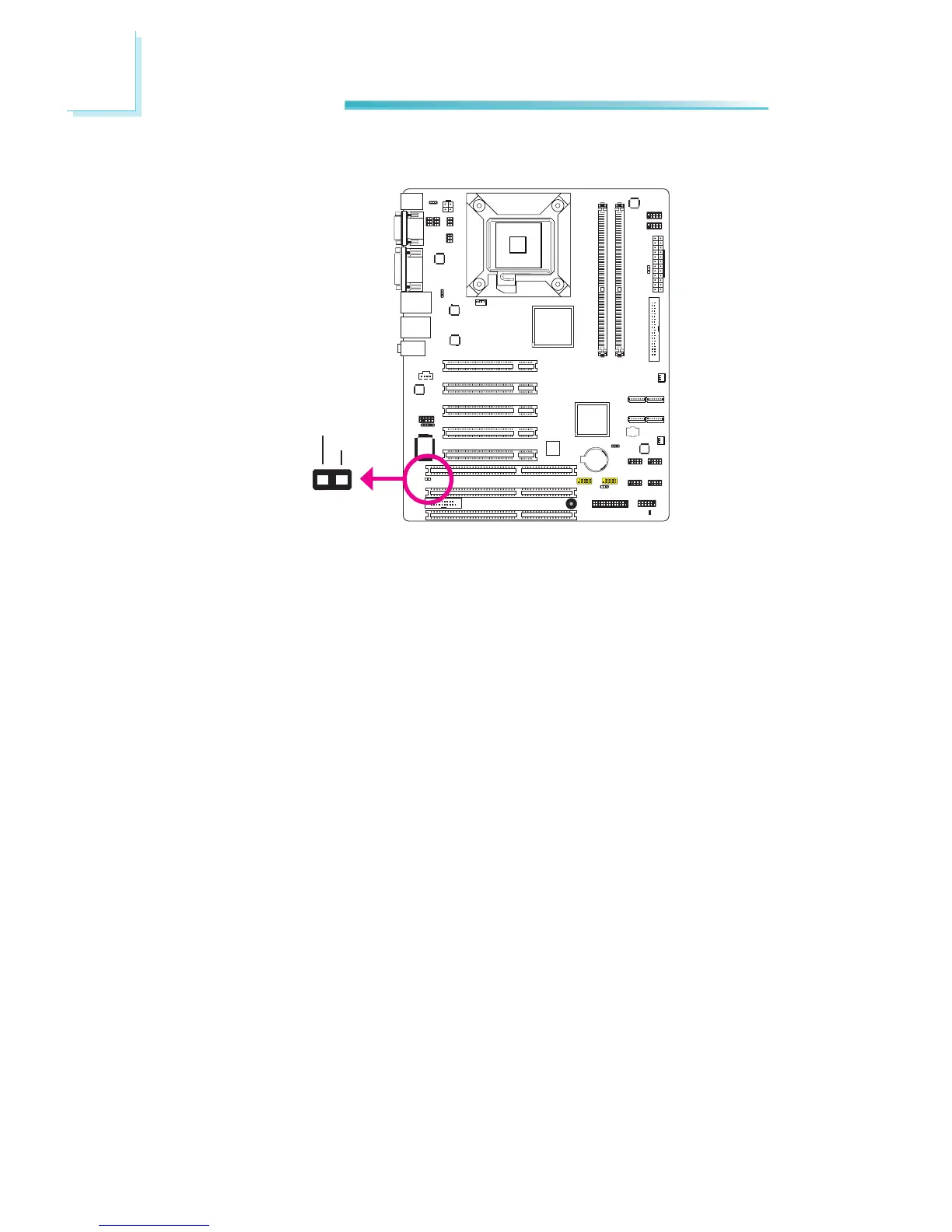
Chassis Instrusion Connector
The board supports the chassis intrusion detection function. Connect the chas-
sis intrusion sensor cable from the chassis to this connector. When the system’s
power is on and a chassis intrusion occurred, an alarm will sound. When the
system’s power is off anda chassis intrusion occurred, the alarm will sound only
whenthesystemrestarts.
Hardware Monitor for Windows
Install the “Hardware Monitor for Windows” utility. By default, the chassis intru-
siondetectionfunctionisdisabled.Whenenabled,awarningmessagewillappear
when the chassis is open. The utility can also be congured so that a beeping
alarm will sound when the chassis is open. Refer to the “Hardware Monitor for
Windows”sectioninchapter4formoreinformation.
2 1
Ground
Chassis
signal



 To Next Page