24
2
Hardware Installation
REV.1
Jumper Settings
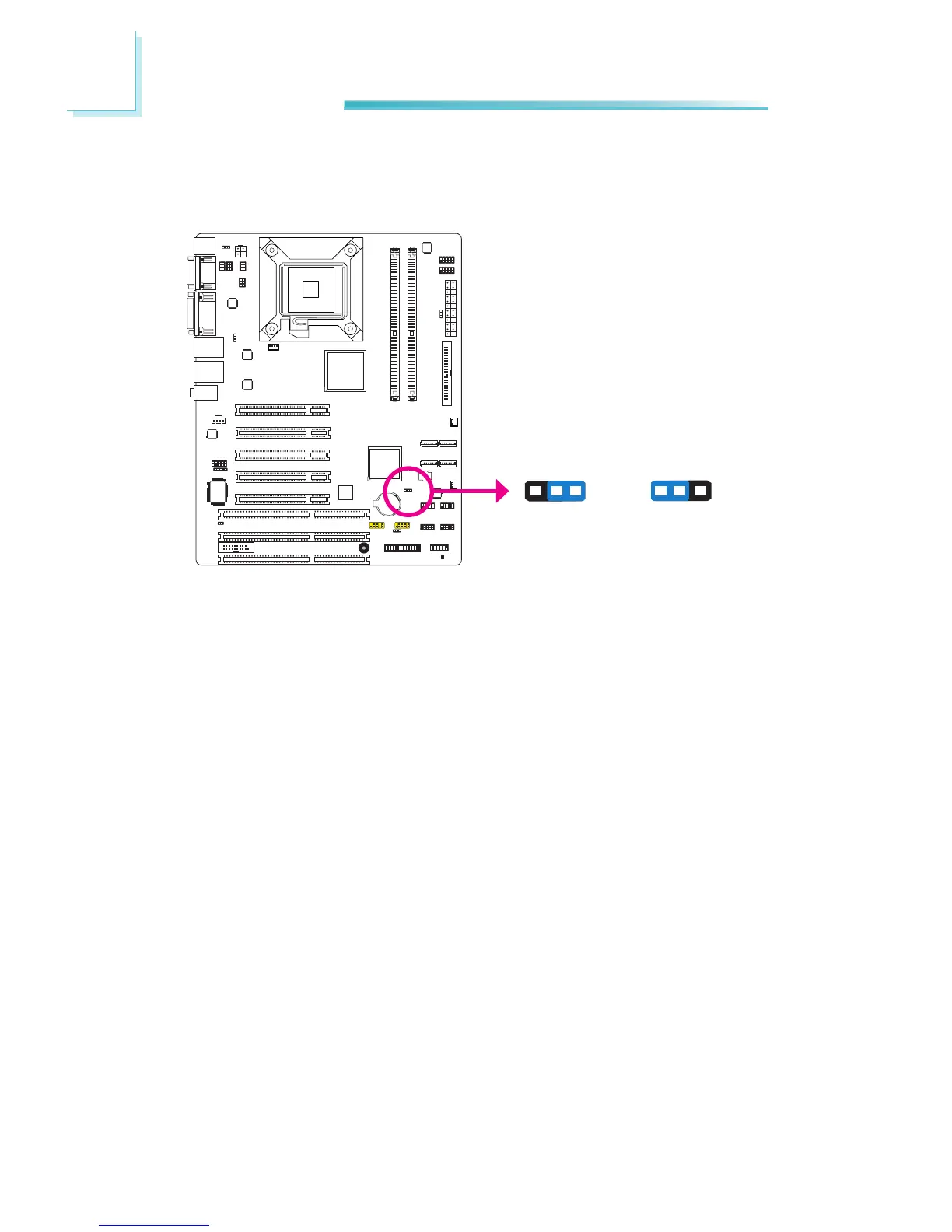
Clear CMOS Data
If you encounter the following,
a) CMOS data becomes corrupted.
b) You forgot the supervisor or user password.
youcanrecongurethesystemwiththedefaultvaluesstoredintheROMBIOS.
To load the default values stored in the ROM BIOS, please follow the steps below.
1. Power-off the system and unplug the power cord.
2. Set JP8 pins 2 and 3 to On. Wait for a few seconds and set JP8 back to its
default setting, pins 1 and 2 On.
3. Now plug the power cord and power-on the system.
JP8
2-3 On:
Clear CMOS Data
1-2 On: Normal
(default)
13 2
1
3
2



 To Next Page