79
3
BIOS Setup
Security
Install or Change the
password.
BIOS SETUP UTILITY
ExitChipset
v02.61 (C)Copyright 1985-2006, American Megatrends, Inc.
← Select Screen
↑↓ Select Item
Enter Change
F1 General Help
F10 Save and Exit
ESC Exit
Main Advanced PCIPnP
Security Settings
Supervisor Password : Not Installed
User Password : Not Installed
Change Supervisor Password
Change User Password
Boot Security
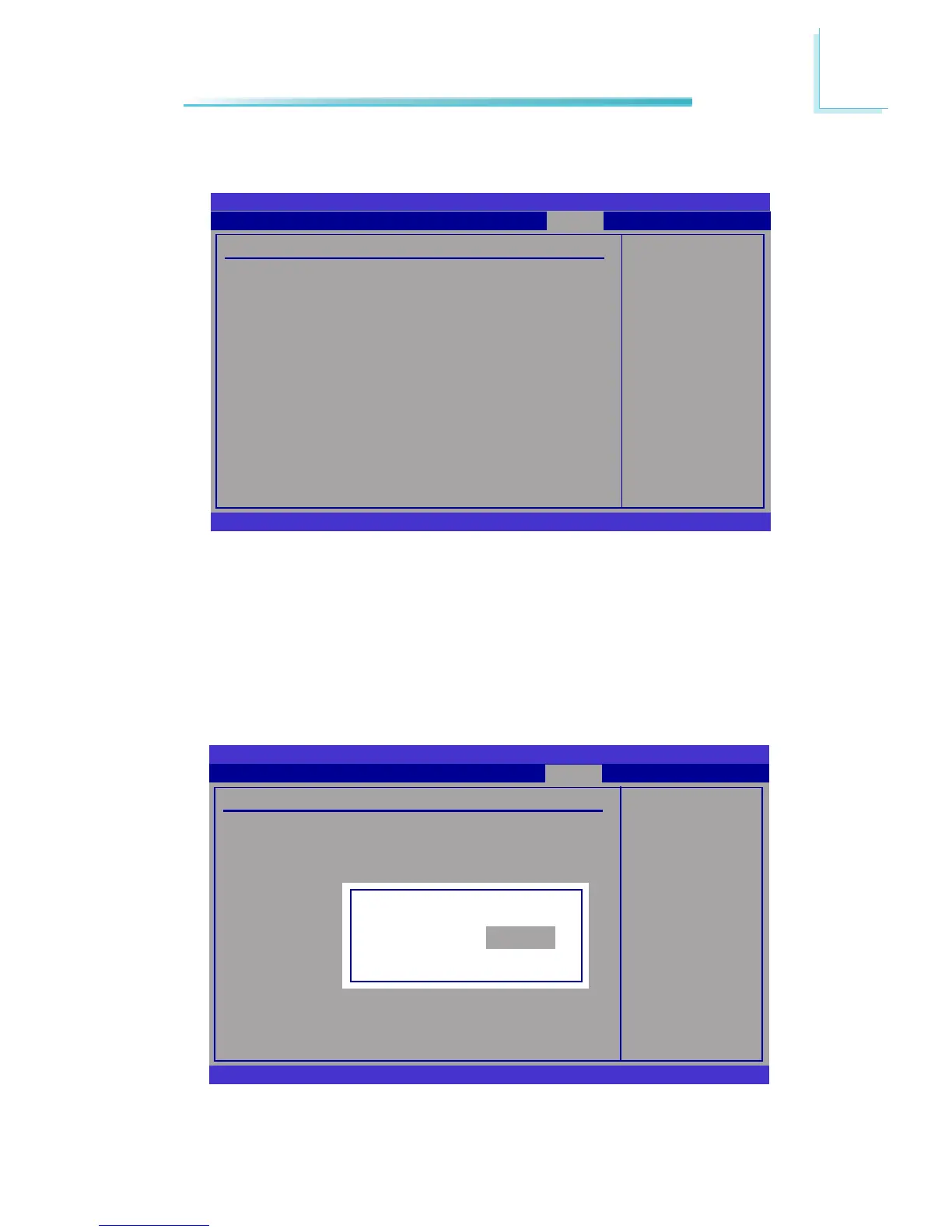
Change Supervisor Password
This eld is used to set or change the supervisor password. To set a new pass-
word:
1. Select the Change Supervisor Password eld then press <Enter>.
2. Type your password in the dialog box then press <Enter>. You are limited to
six letters/numbers.
Install or Change the
password.
BIOS SETUP UTILITY
ExitChipset
v02.61 (C)Copyright 1985-2006, American Megatrends, Inc.
← → Select Screen
↑↓ Select Item
Enter Change
F1 General Help
F10 Save and Exit
ESC Exit
Main Advanced PCIPnP
Security Settings
Supervisor Password : Not Installed
User Password : Not Installed
Change Supervisor Password
Change User Password
Boot Security
Enter New Password



 To Next Page