93
4
Supported Software
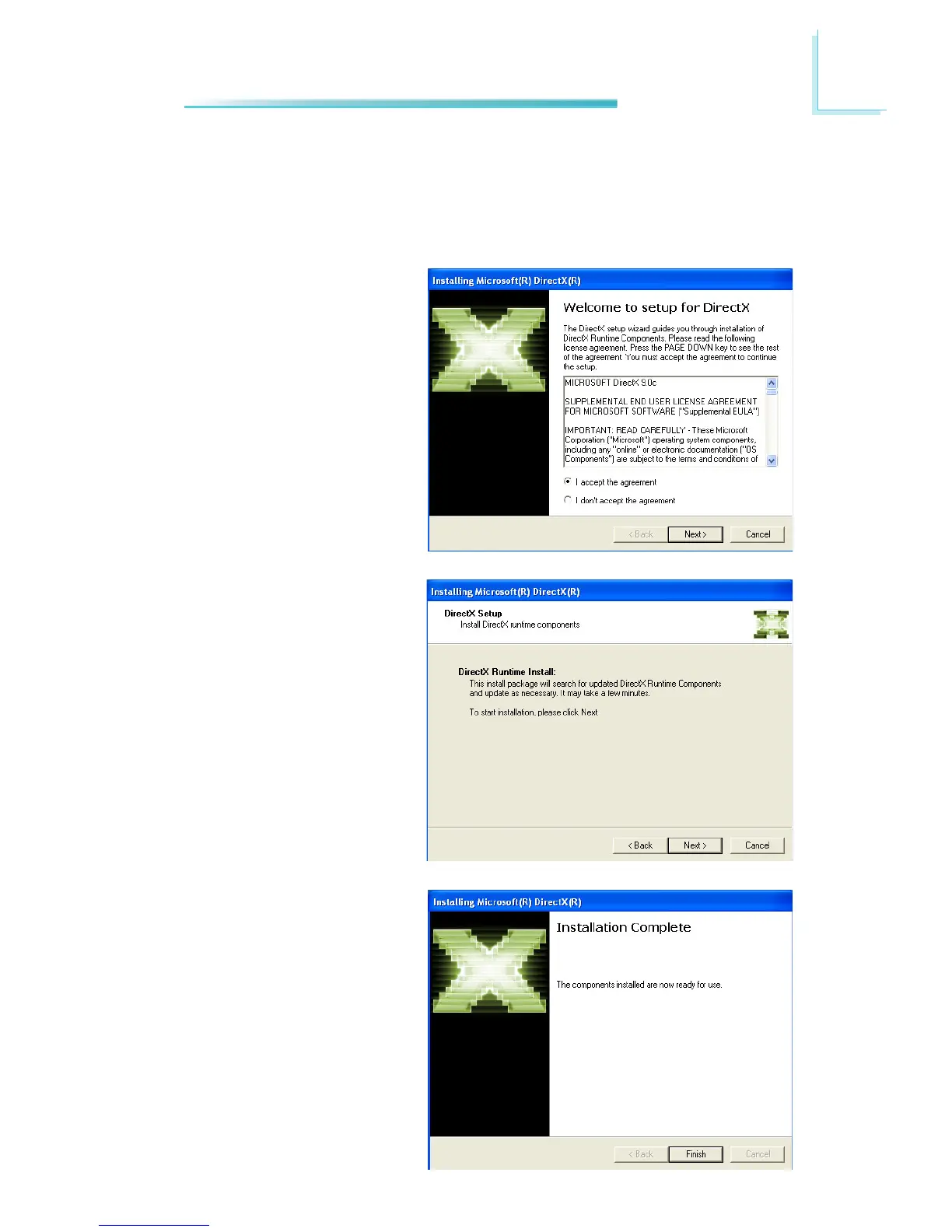
1. C l i c k “ I a c c e p t t h e
agreement” then click Next.
Microsoft DirectX 9.0C Driver
(for Windows XP only)
To install the utility, click “Microsoft DirectX 9.0C Driver” on the main menu.
2. To start installation, click
Next.
3. Click Finish. Reboot the
system for DirectX to take
effect.



 To Next Page