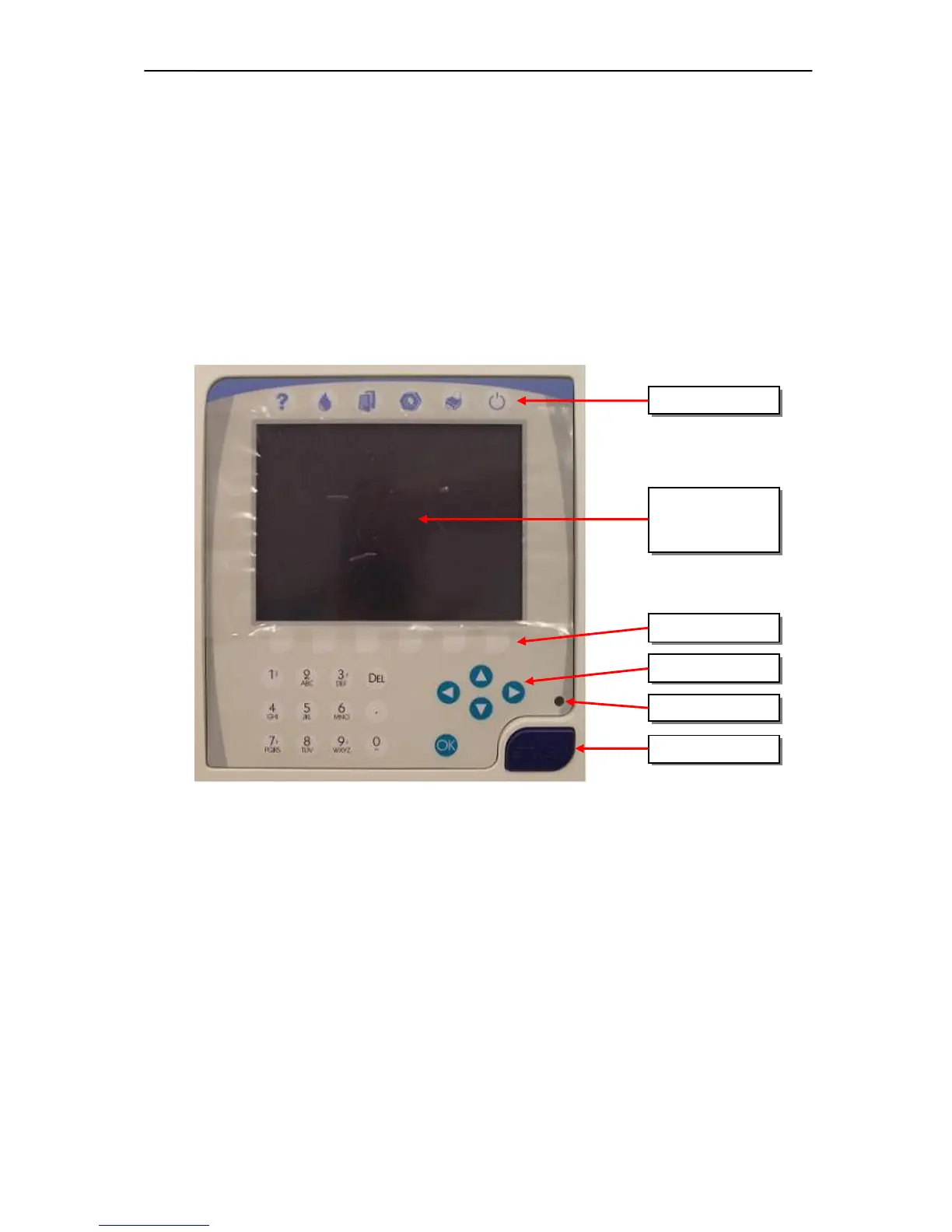
Start key is a micro-switch, connected to the COMB card (through the Display ribbon cable).
The status LED indicates the actual status of the analyzer and it has three colors: red, green
and amber (See User’s Manual). The LED has three pins and the actual color depends on the
controlled pins. Start key and status LED are controlled by COMB.
2.1.12. Keypad
The analyzer has a 29-button foil keypad including numerical keypad (0-9, “.”), cursor moving,
OK and Del buttons, and 6-6 function buttons, above and under the LCD display as it is shown
in the picture below:



 To Next Page