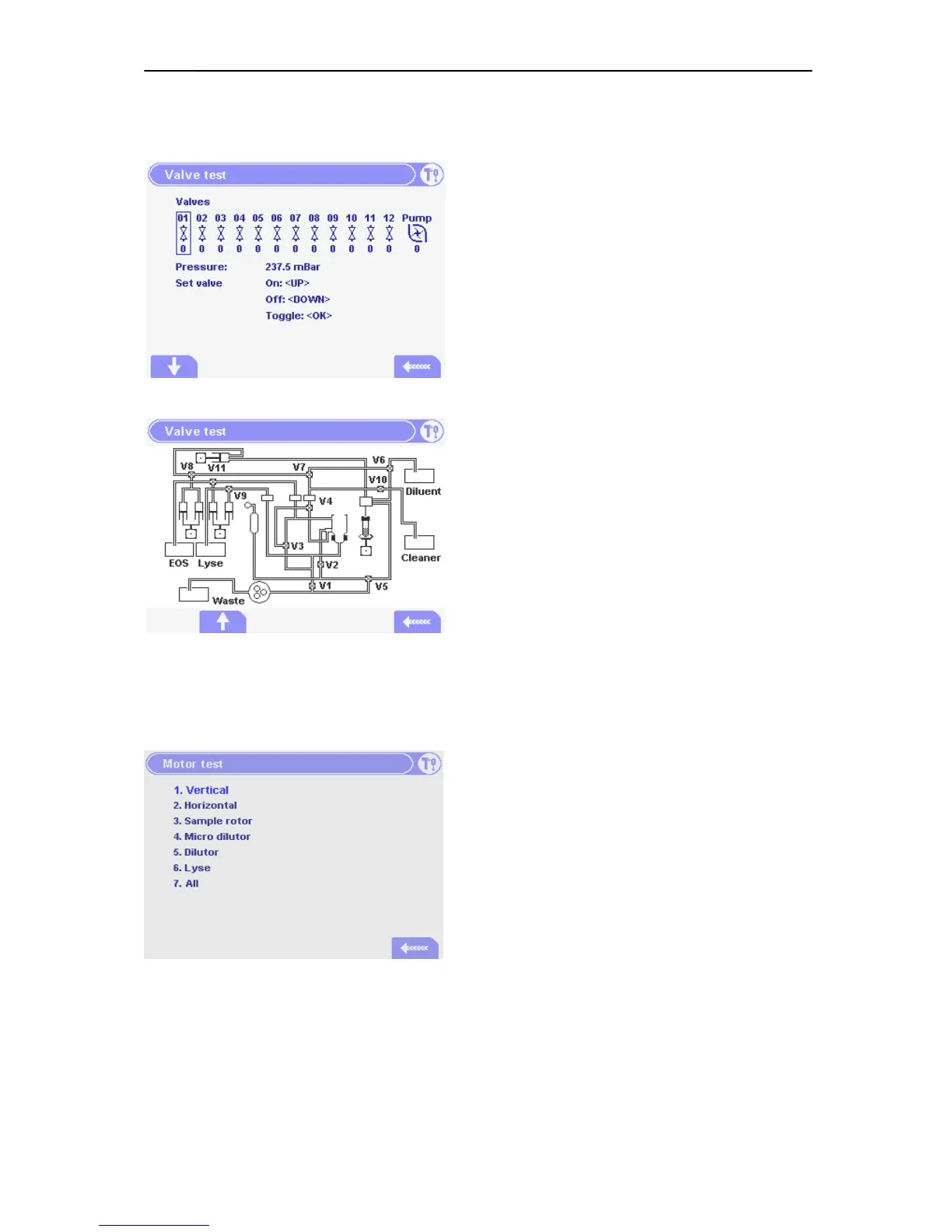
5.2.7. Valve Test Menu
In the menu on the left you can see the valve
numbers and a number under each that represents
the actual state of the valve. P means peristaltic
pump.
Selected valve number is shown in a rectangle. 0 is
Off state, 1 is On state.
Use cursor keys for selecting and setting valve
state, or press OK to toggle state.
The fluidic diagram is an addition to the previous
“Valve Test Menu” in order to help the better
identification of the valves and their functions.
5.2.1. Motor Test
By selecting the numbers from 1 – 6 the instrument
will move the corresponding motors between their
home and end positions for 10 cycles.
By pressing 7 the instrument performs pneumatic
initialization.



 To Next Page