OPERATOR’S MANUAL
PM300E and PM332E Planter Monitors
11001-1423-200710
14 / KEY FUNCTIONS
LEFT AND RIGHT ARROW KEYS
On the Main Operate screen, the Left and Right Arrow keys are used to
manually select the rows viewed at the bottom of the display. They are
inactive if all rows are already displayed. On other screens, the arrows are
used to navigate between options.
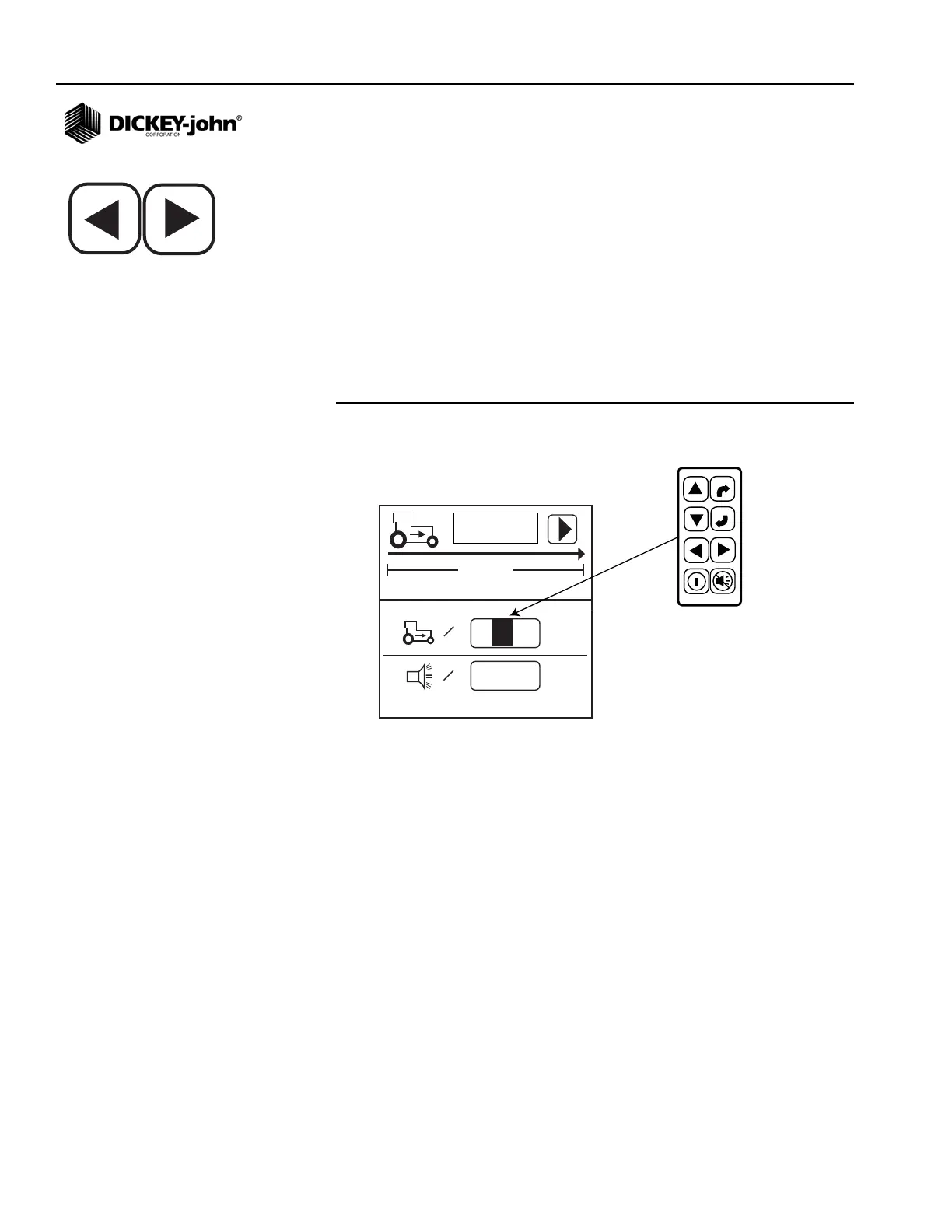
EDITING SCREEN FIELDS
The term “highlight” used throughout the manual refers to pressing a key to
activate and move the cursor until the desired digit on the screen is
highlighted. Pressing Enter accepts and confirms the selection.
Figure 6
Editing Screens
180
00,0
km/h
122m
=
0,0
km/h
=
A highlighted digit can be edited by
using the Arrow keys on the Control
Panel. Press Enter to accept
and confirm the selection.
ENTER
ESCAPE



 To Next Page