OPERATOR’S MANUAL
PM300E and PM332E Planter Monitors
11001-1423-200710
ADVANCED SETUP / 23
Access the Lock/Unlock Screen:
1. Highlight the Configuration icon and press Enter to navigate to the list
of available screens to lock and unlock.
2. Use the Up or Down Arrow key to highlight an icon.
3. Press Enter to select the Lock/Unlock icon.
4. Toggle the Up or Down Arrow keys to lock and unlock a screen.
5. Press the Enter key to accept Lock or Unlock.
6. When finished, press the Escape key to return to the Password
screen.
LIMITS SETUP (POPULATION)
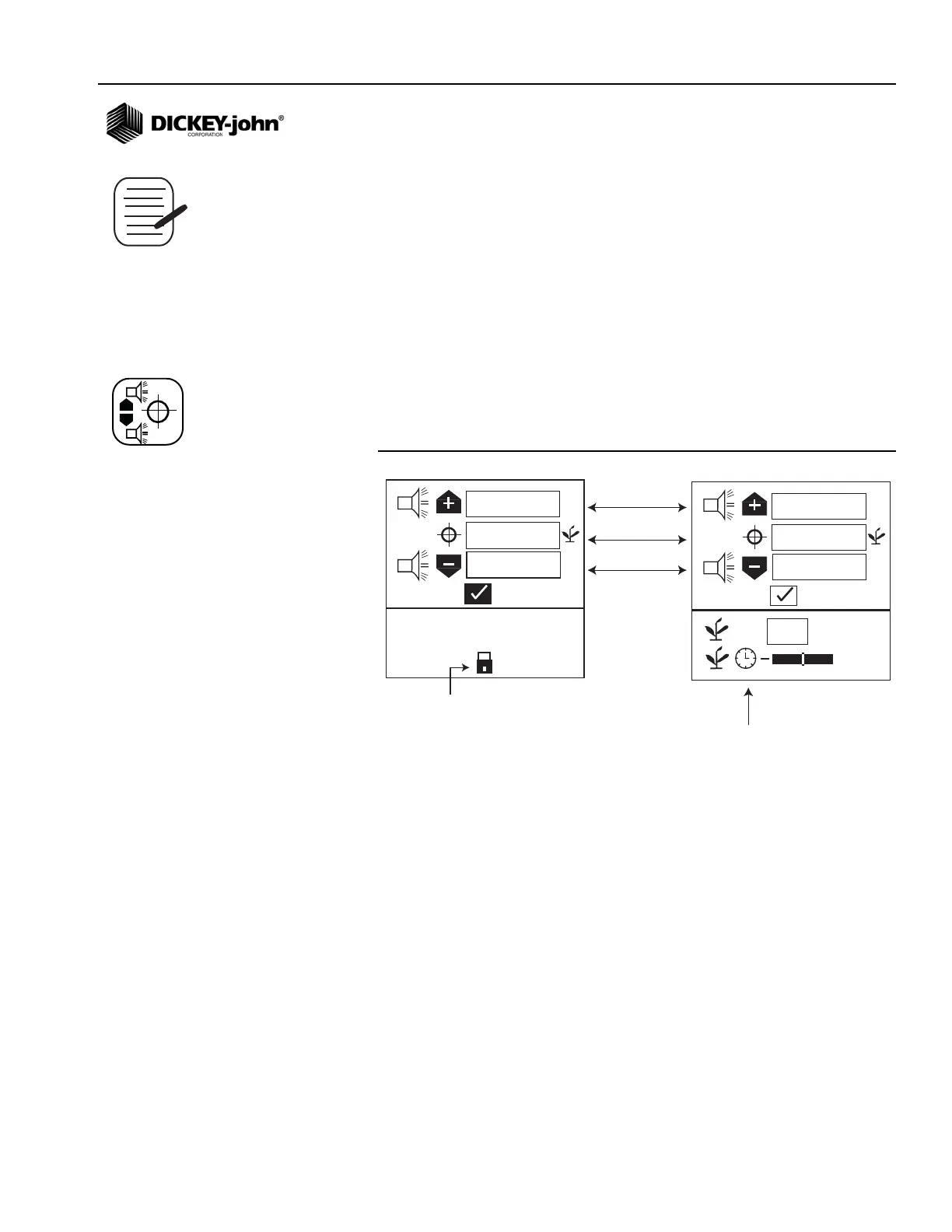
The Limits Setup screen allows minimum and maximum population limits
to be set based on a defined target population.
Figure 15
Limits Setup Screen
TARGET POPULATION
Target population is defined in 1000s of seeds per acre or hectare,
dependent on the unit of measurement selected. If no value is entered, the
monitor uses average population to calculate alarms or row population
indicators.
To Change Target Population:
1. At the Main Menu screen, select the Limit Setup icon and press Enter
to display the Limits Setup screen.
1. Use the Down Arrow key to highlight the target population field.
2. Press the Enter key to highlight field.
3. Use the Left or Right Arrow key to select a digit for editing.
4. When a digit is highlighted, use the Up or Down Arrow keys to edit
the value displayed.
5. When the field shows the desired target population, press the Enter
key to confirm the selection.
6. Press the Escape key to return to the Main Operate screen.
+
-
%
%
%
15,0
15,0
0,0
Hi Alarm
Lo Alarm
Target Population
Locked Fields
(only accessible
with password)
%
%
%
+
0
%
+
15,0
15,0
0,0
Unlocked Fields
(only accessible
with password)
Configuration icon
Limits Setup icon



 To Next Page