OPERATOR’S MANUAL
PM300E and PM332E Planter Monitors
11001-1423-200710
ALARMS / 35
ALARMS
NOTE: An audible 2-chirp alarm is also
output during navigation or data
entry to indicate an illegal or
nonfunctional key selection.
Primary operating alarms are displayed on the entire screen and are
accompanied by an audible alarm.
All monitor alarms are set to a default of Zero (0) and will not activate unless
programmed per the Advanced Setup section.
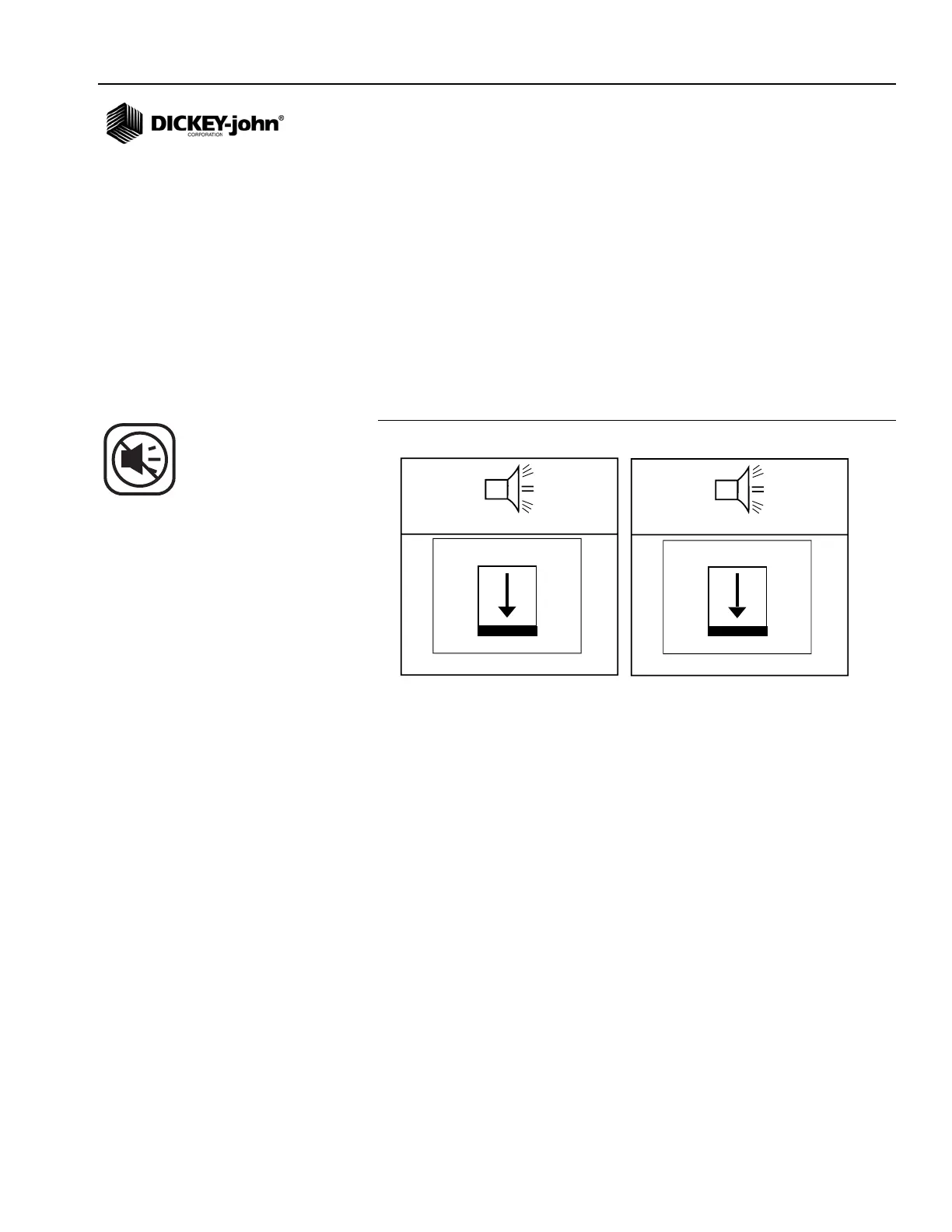
HOPPER LEVEL
Hopper level alarms activate when the seed level drops below the sensor
mounting level. Alarm can be silenced by pressing the Alarm Cancel key.
Figure 24
Hopper 1 And 2 Alarms
ROW FAILURE
A row failure alarm occurs when the console detects less than 2 seeds per
second through the seed tube. This may result from a poor or faulty
connection to the seed sensor harness. This is a solid on alarm indicating a
problem has been detected and is silenced by pressing the Alarm Cancel
key as shown in (Figure 25).
Once the Alarm Cancel key is pressed, the alarm will not sound again
unless:
1. Planting condition returns to a normal state and falls again below 2
seeds per second.
2. Power on/off sequence occurs before problem is corrected.
3. An All Rows Failure alarm occurs then the console again detects less
than 2 seeds per second through the seed tube.
1
2
HOPPER 1 LOW HOPPER 2 LOW



 To Next Page