OPERATOR’S MANUAL
PM300E and PM332E Planter Monitors
11001-1423-200710
26 / ADVANCED SETUP
UNITS OF MEASUREMENT, BACKLIGHTING, AND ALARM
VOLUME CONTROL
The monitor can be customized to change the units of measurement to
English or Metric, control backlight intensity, and increase or decrease
alarm volume.
To Change Units, Backlight, and Alarm Volume:
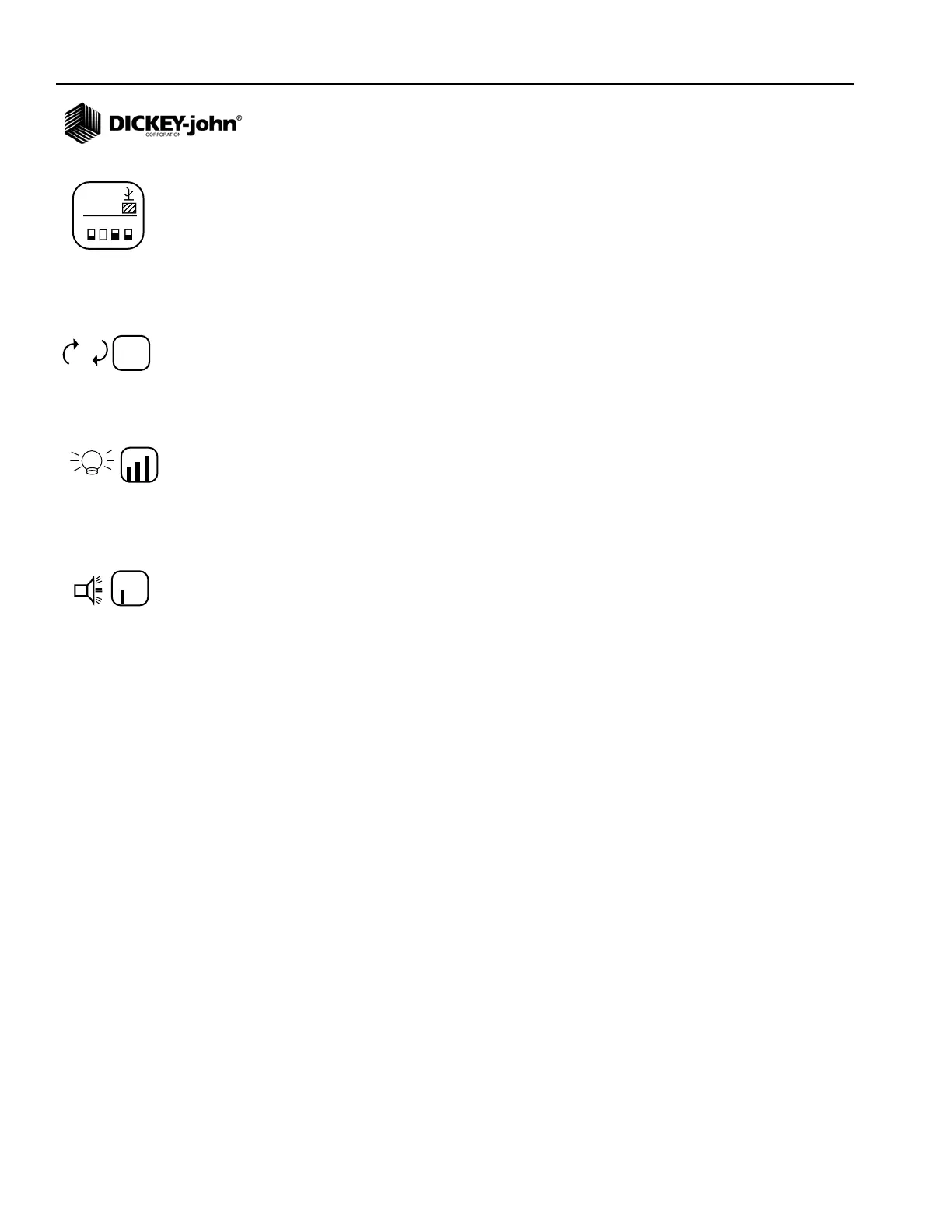
1. From the Main Menu screen, highlight the Display & Service icon and
press Enter.
2. Press the Down Arrow key to highlight either the Units, Backlight or
Alarm Volume icon.
3. Press Enter to highlight the setting to change and the Up and Down
Arrow key to cycle through selection.
4. Press Enter to confirm the desired selection.
M
E
E
123.4
43.8
1234
123.4
43.8
Display & Service icon
Units
Backlight
Alarm Volume



 To Next Page