OPERATOR’S MANUAL
PM300E and PM332E Planter Monitors
11001-1423-200710
18 / MAIN MENU SCREEN
GROUND SPEED CALIBRATION
Ground speed is the rate of vehicle travel in Km/h and is measured by the
ground speed sensor. The calibration value reflects the number of pulses
generated by the sensor while traveling a distance of 122 meters.
To Perform a Ground Speed Calibration:
1. From the Main Operate screen, press the Enter key to display the
Main Menu screen.
2. At the Main Menu screen, highlight the Ground Speed icon and press
Enter to display the Ground Speed Calibration screen.
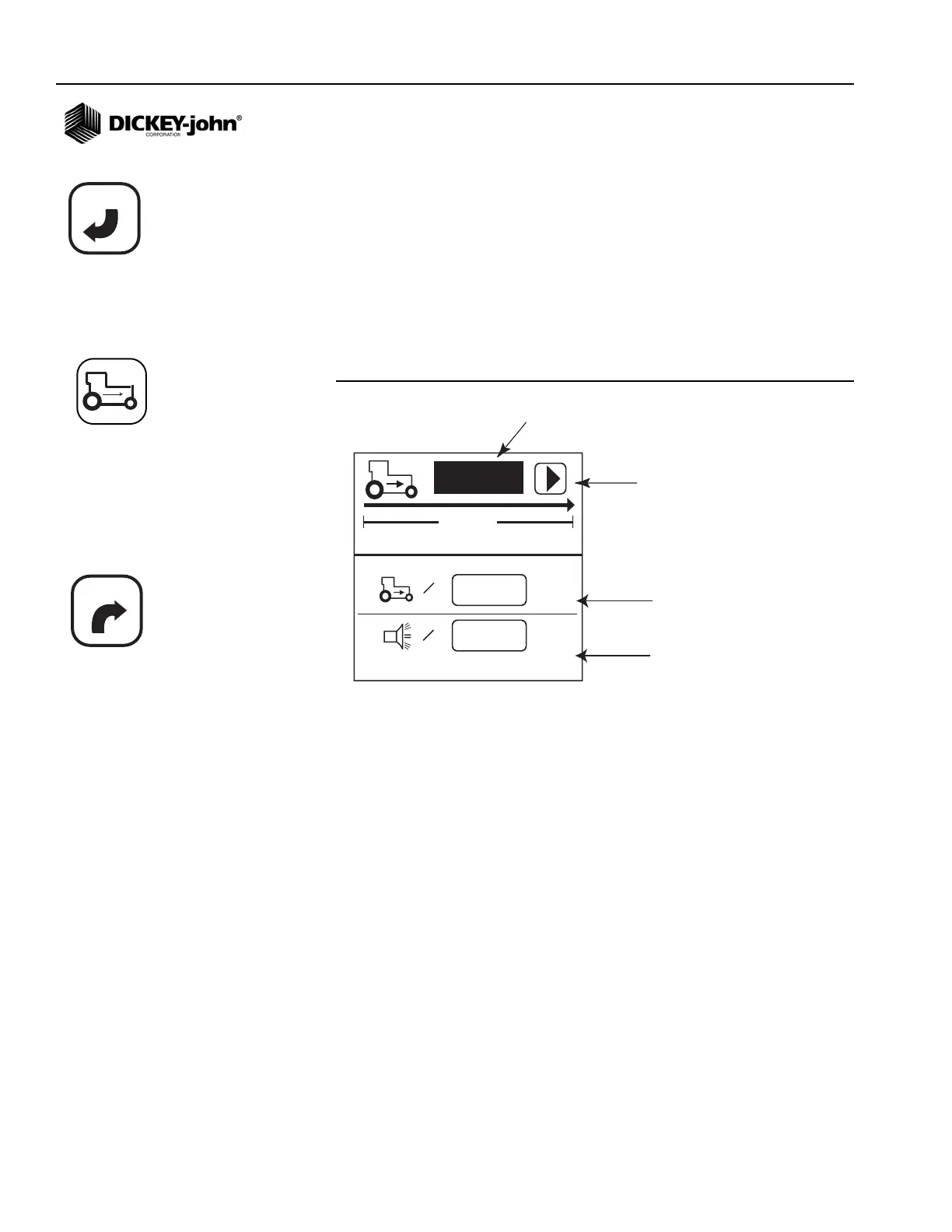
Figure 9
Ground Speed Calibration Screen
To Perform a New Calibration:
1. Measure a 122 meter course, clearly marking the start and finish
points.
2. Using the Arrow keys, highlight the Start symbol on the screen ( X ).
3. Begin moving the tractor forward.
4. With the tractor moving between 3.0 and 8 Km/h, press the Start
button when the tractor is exactly even with the designated start point.
5. After the calibration has started, the Start symbol on the screen will
change to a Stop ( ) symbol.
6. When the tractor is even with the finish point, press the Enter key. The
new calibration factor will display. Once the Stop symbol is selected,
the value will save on screen exit. Selecting the Escape key while
the calibration is running will not save the value.
7. Press the Escape key to return to the Main Operate screen.
180
0,0
km/h
122m
=
0,0
km/h
=
# of pulses in 122 m
Start symbol (will change
to Stop symbol when test
begins
Manual ground speed (optional)
Maximum speed alarm (optional)
ENTER
ESCAPE
Ground Speed icon



 To Next Page